Mastering 3-Frame Prompts: Split Screen & Triptychs
Welcome to Promptgalary's definitive guide on creating multi-panel storytelling through AI photography. Designing a split-screen composition or a vertical triptych is one of the most highly sought-after techniques in generative AI art right now. It allows creators to tell a dynamic story, showcase different angles, or create high-end fashion editorials all within a single image generation.
However, generating these images presents a massive challenge: consistency. Most AI models struggle to keep the subject's face, clothing, and environmental lighting identical across three separate frames. Left to its own devices, an AI will often generate three people who look vaguely similar, rather than the exact same person in different poses.
The collection of advanced prompts on this page solves that problem. By using precise structural commands, rigorous lighting cues, and explicit "identity lock" phrasing, these prompts force the AI to maintain absolute continuity across the top, middle, and bottom panels.
How to Use These Triptych Prompts Effectively
Before you copy and paste the prompts below, it's vital to understand how to format them for your specific AI image generator to achieve the best possible results.
For Midjourney Users
- Aspect Ratios: All of the prompts below are optimized for vertical viewing. Ensure you keep the
--ar 9:16parameter at the very end of your prompt so Midjourney formats the three stacked frames correctly. - Character Consistency: If you are using a reference photo of a real person, use Midjourney's Character Reference feature. Add
--cref https://forum.wordreference.com/threads/your-picture-picture-of-you.4038579/ --cw 100to the end of the prompt to lock in the facial features and the clothing.
For DALL-E 3 and ChatGPT Users
- Upload Your Image: Use the attachment clip to upload your reference photo directly into the chat.
- Conversational Tweaks: DALL-E 3 may try to rewrite your prompt. You can preface the pasted text with: "Please use this exact prompt without modifying it to generate an image based on my attached photo."
90s Digital Camera Photo Split Screen Prompt for Consistent Faces
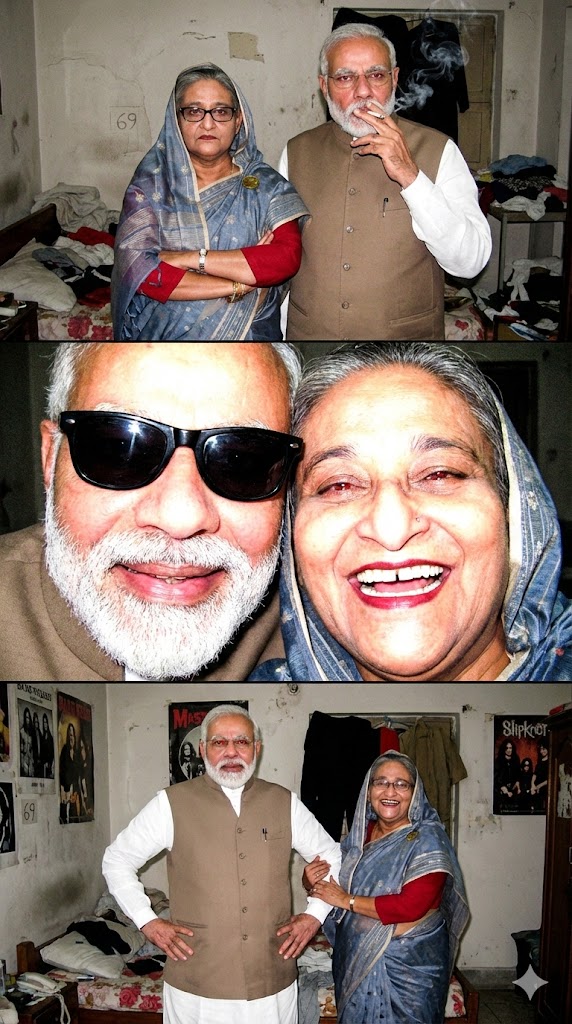
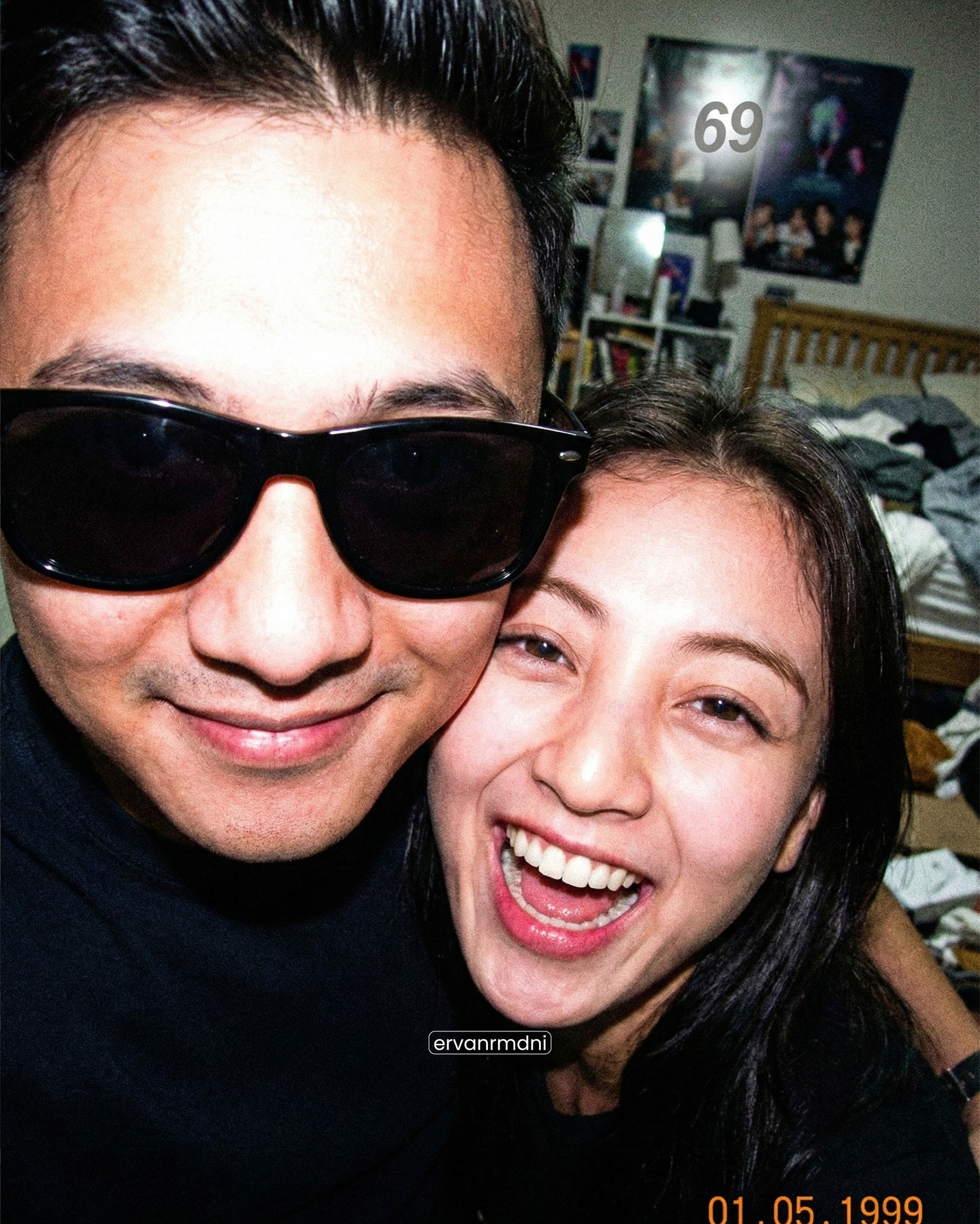
Create three vertical split-screen photos with identical faces using 1990s digital camera aesthetics including harsh flash, red eye, and a distinct CCD sensor look.
Deconstructing the Prompt (Why this works): This prompt succeeds because it relies heavily on hardware-specific keywords like "Sony Cyber shot," "CCD sensor look," and "blooming highlights" to force the AI out of its default glossy, plastic style. By combining these hardware terms with strong negative prompts like "no perfect skin" and "avoid soft glam," we ensure the final image retains the messy, nostalgic authenticity of Y2K point-and-shoot photography. The layout commands ("Seamless edge to edge layout. No borders") ensure the 9:16 aspect ratio is divided perfectly without unnatural comic-book-style lines.
How to Create a Cinematic 3-Panel Triptych Film Portrait
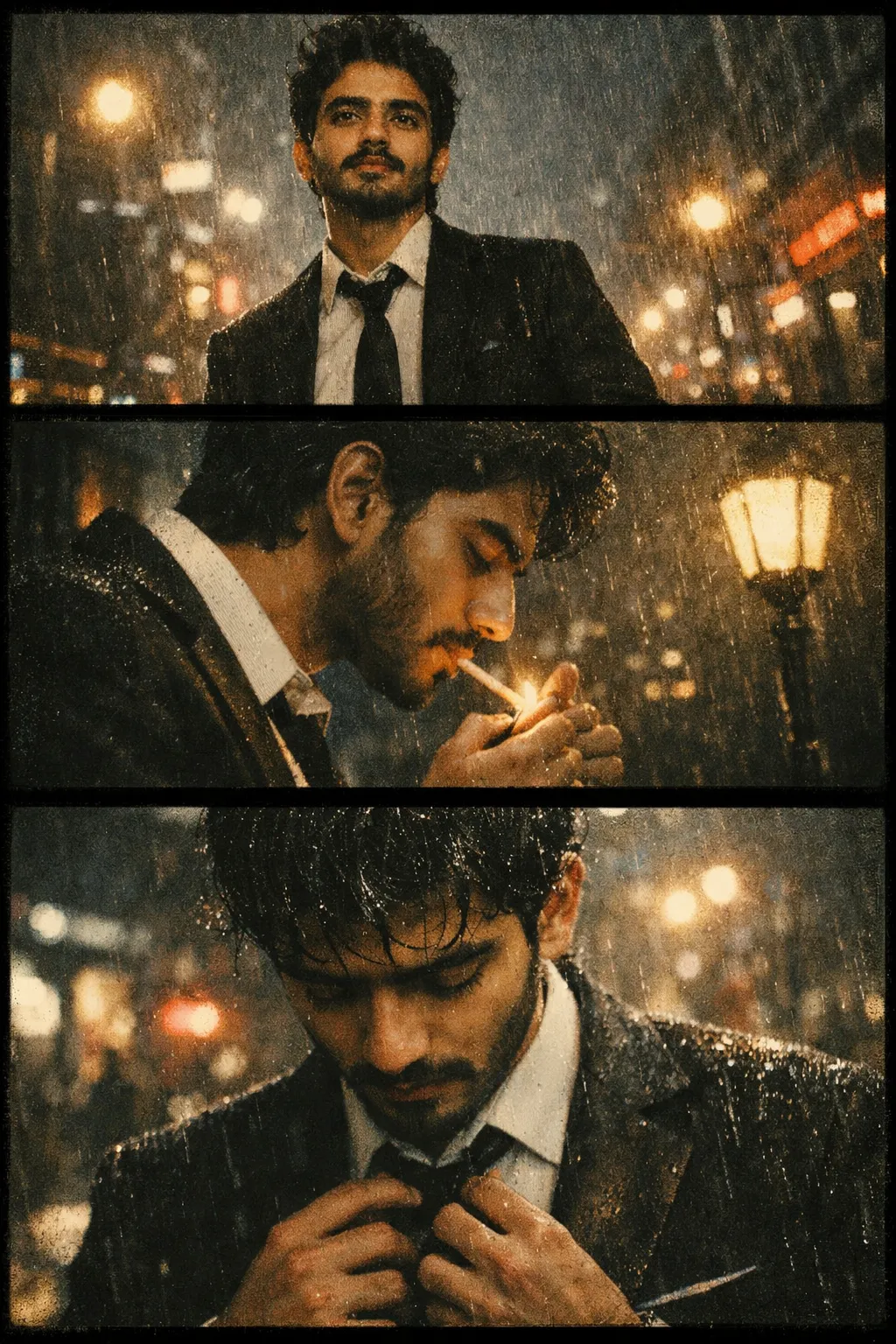
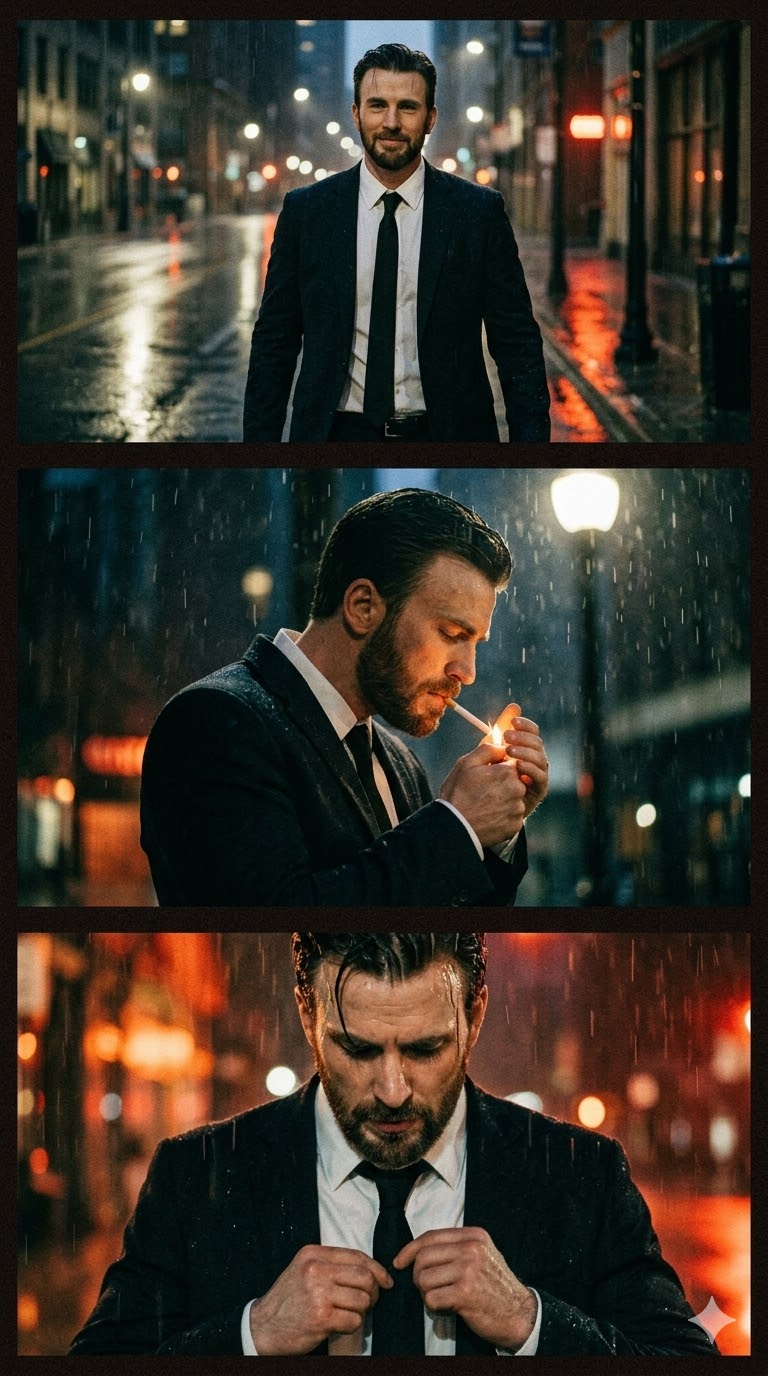
Learn how to generate an ultra-cinematic portrait composed of three horizontal frames stacked vertically. This AI prompt creates a gritty, analog film storyboard featuring a rainy night atmosphere, strong film grain, and moody street reflections.
Deconstructing the Prompt (Why this works): The magic of this generation lies in its unified environmental lighting cues. Keywords like "glowing street reflections" and "rainy city street at night" give the AI strict ambient lighting constraints that tie all three frames together seamlessly. Furthermore, the explicit instruction for "extremely heavy film grain" and "gritty analog film aesthetic" acts as a filter over the entire generation, making the final output look like authentic, scanned storyboard frames from a neo-noir movie rather than disconnected AI outputs.
Rooftop Night Portrait Collage AI Prompt
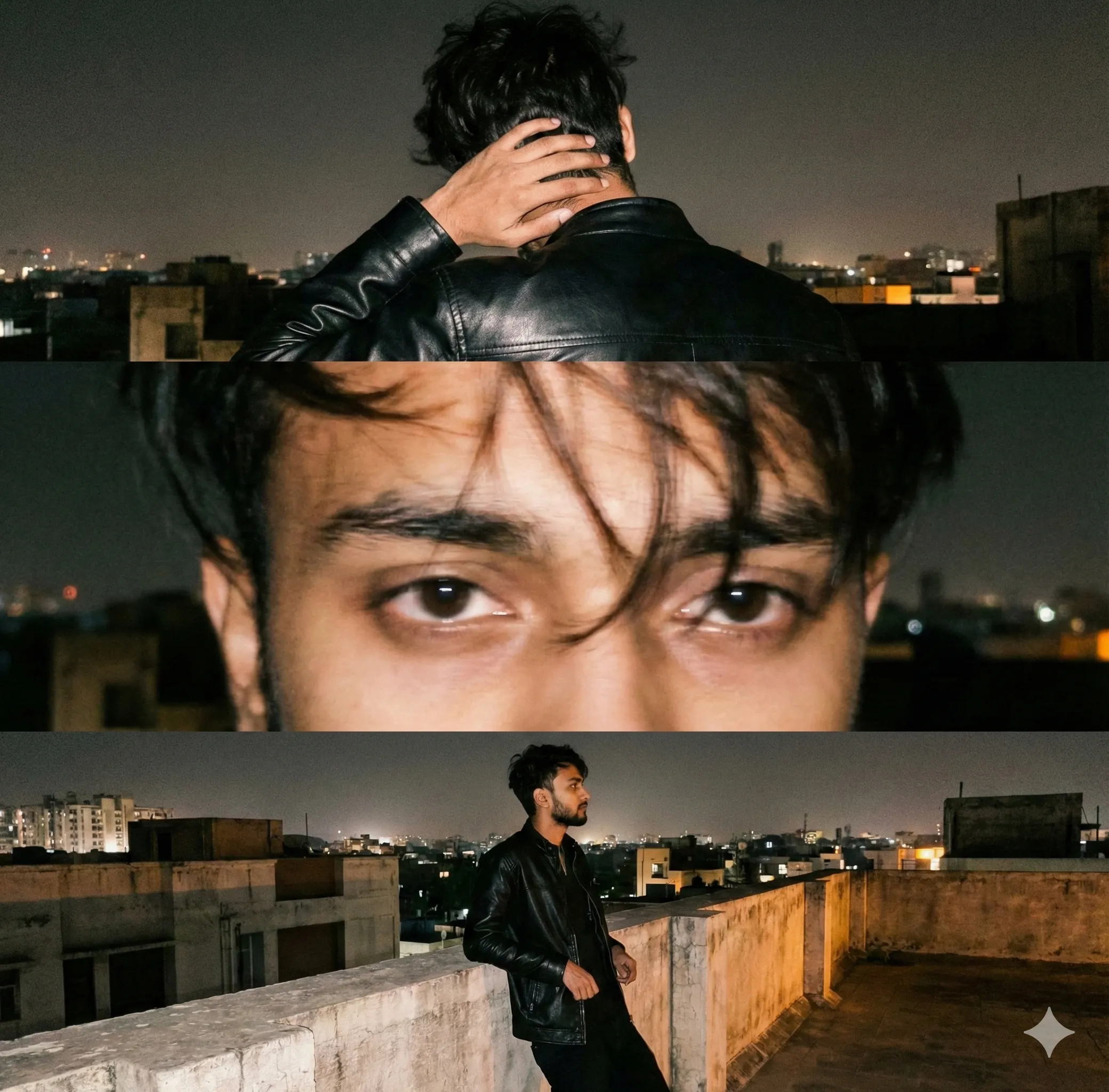
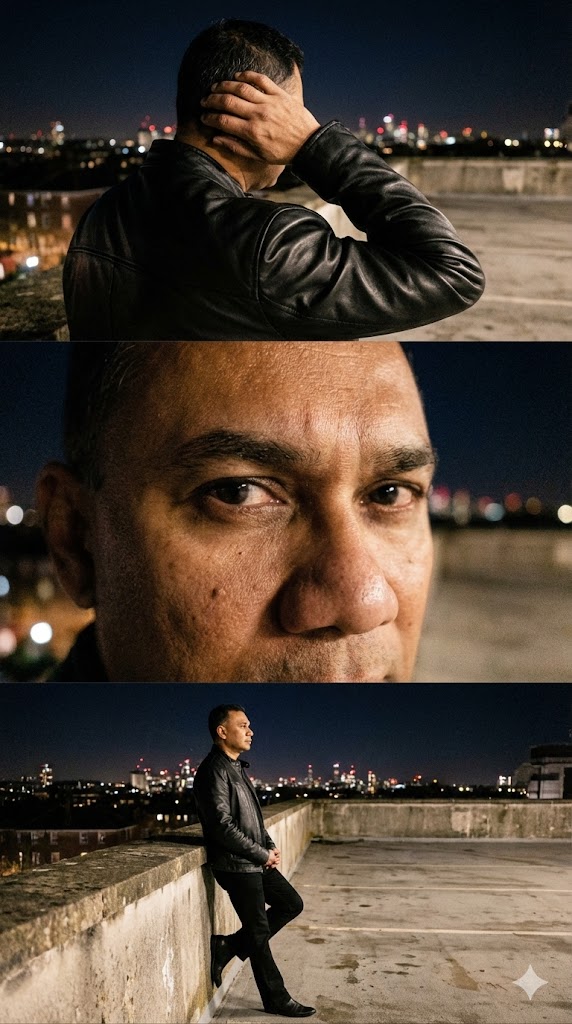
Generate a vertical three-frame portrait collage with candid smartphone-style photography, featuring rooftop night scenes and leather jacket aesthetics.
Deconstructing the Prompt (Why this works): AI naturally wants to create hyper-professional, perfectly lit studio imagery. To achieve this specific realistic, amateur look, the prompt heavily leverages phrases like "candid smartphone style" and "high ISO, slight grain." By explicitly scripting the camera distance for each separate frame (Top: View from behind, Middle: Extreme close-up, Bottom: Mid-shot), the prompt forces the AI to construct a dynamic, multi-angle narrative of a single moment, preventing the model from just generating the same pose three times.
High-Fashion Editorial Portrait Triptych with Identity Lock
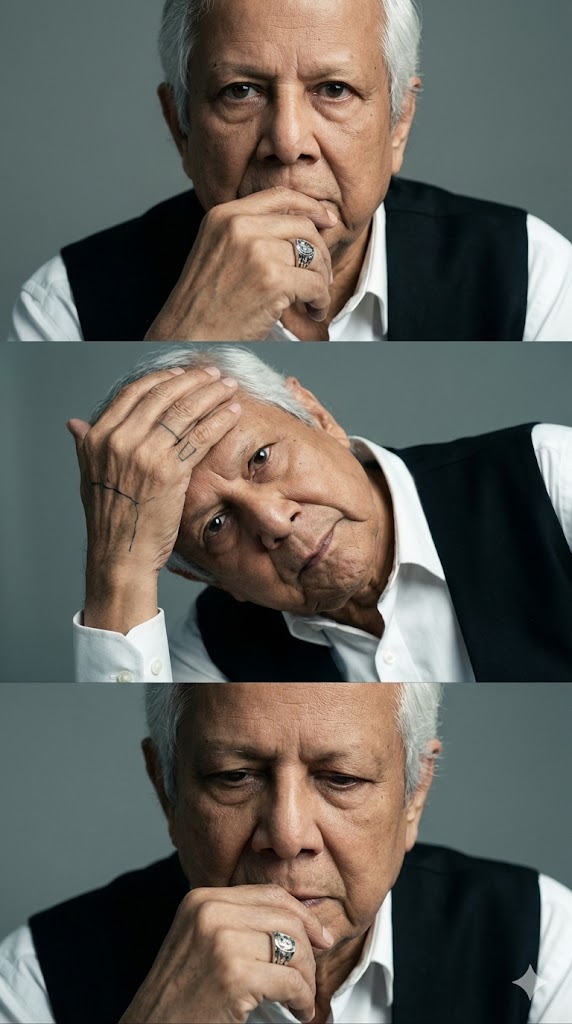
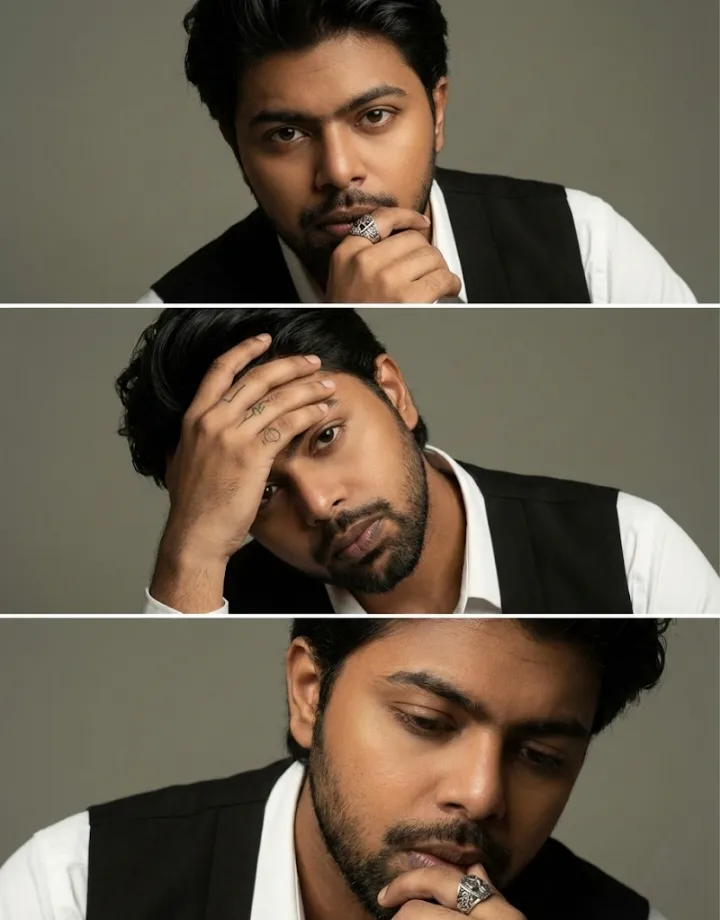
Generate a three-frame vertical triptych preserving your exact face with zero alteration. Features black swept-back hair, white shirt with black vest, hand tattoos, and a statement ring for a luxury fashion editorial finish.
Deconstructing the Prompt (Why this works): This is a powerful "Identity Lock" prompt designed for strict facial consistency when uploading a reference photo. It explicitly commands the generator to avoid face-swapping or digital smoothing ("no facial alteration, no beautification beyond natural realism"). By combining highly precise wardrobe instructions with specific lighting directives ("soft directional studio lighting," "neutral-to-cool tones"), it achieves a high-end commercial aesthetic. The robust block of negative prompts at the end ensures the AI doesn't default to exaggerated jawlines or a CGI-doll appearance.
Ultra-Hyperrealistic Automotive Portrait Prompt for AI
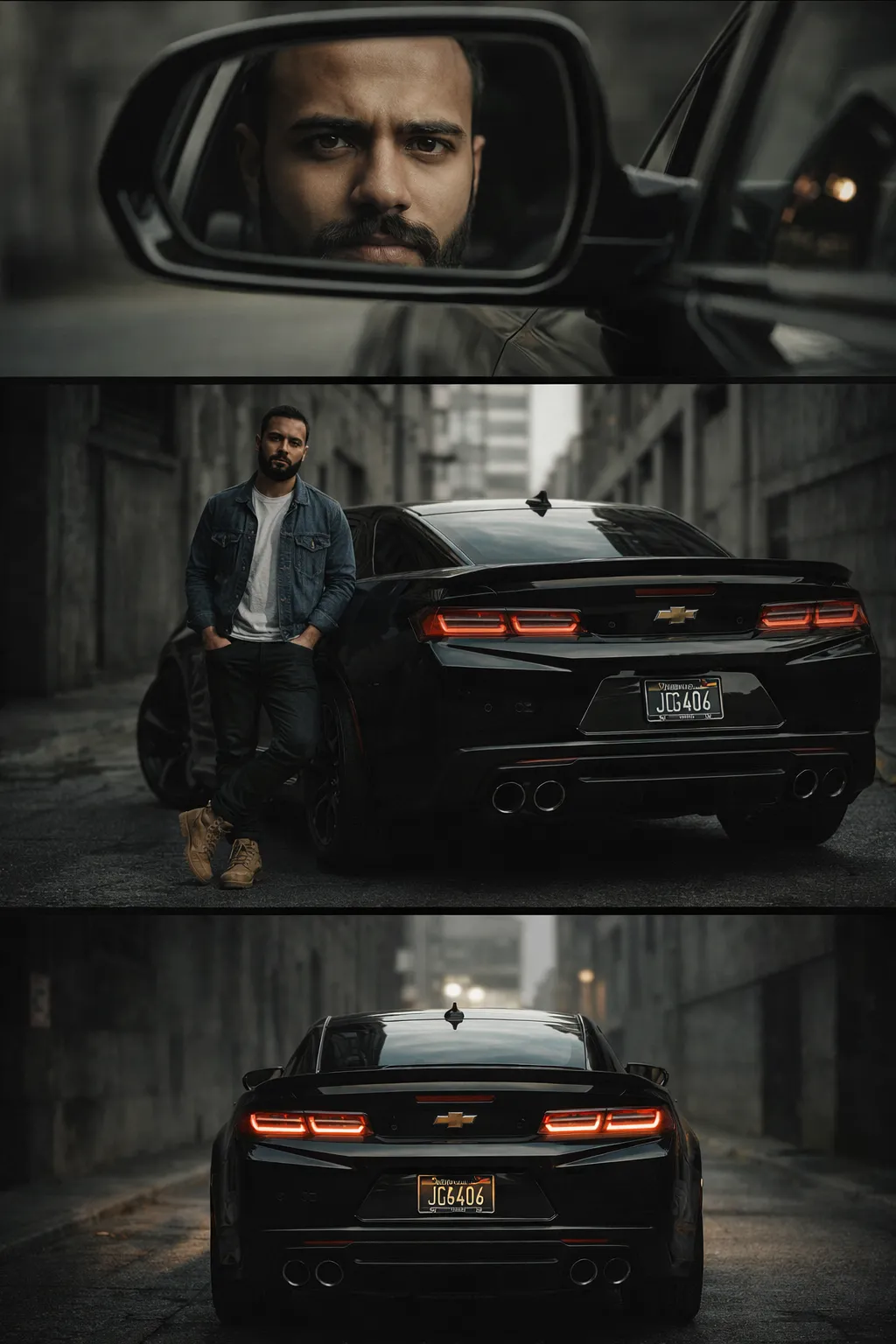
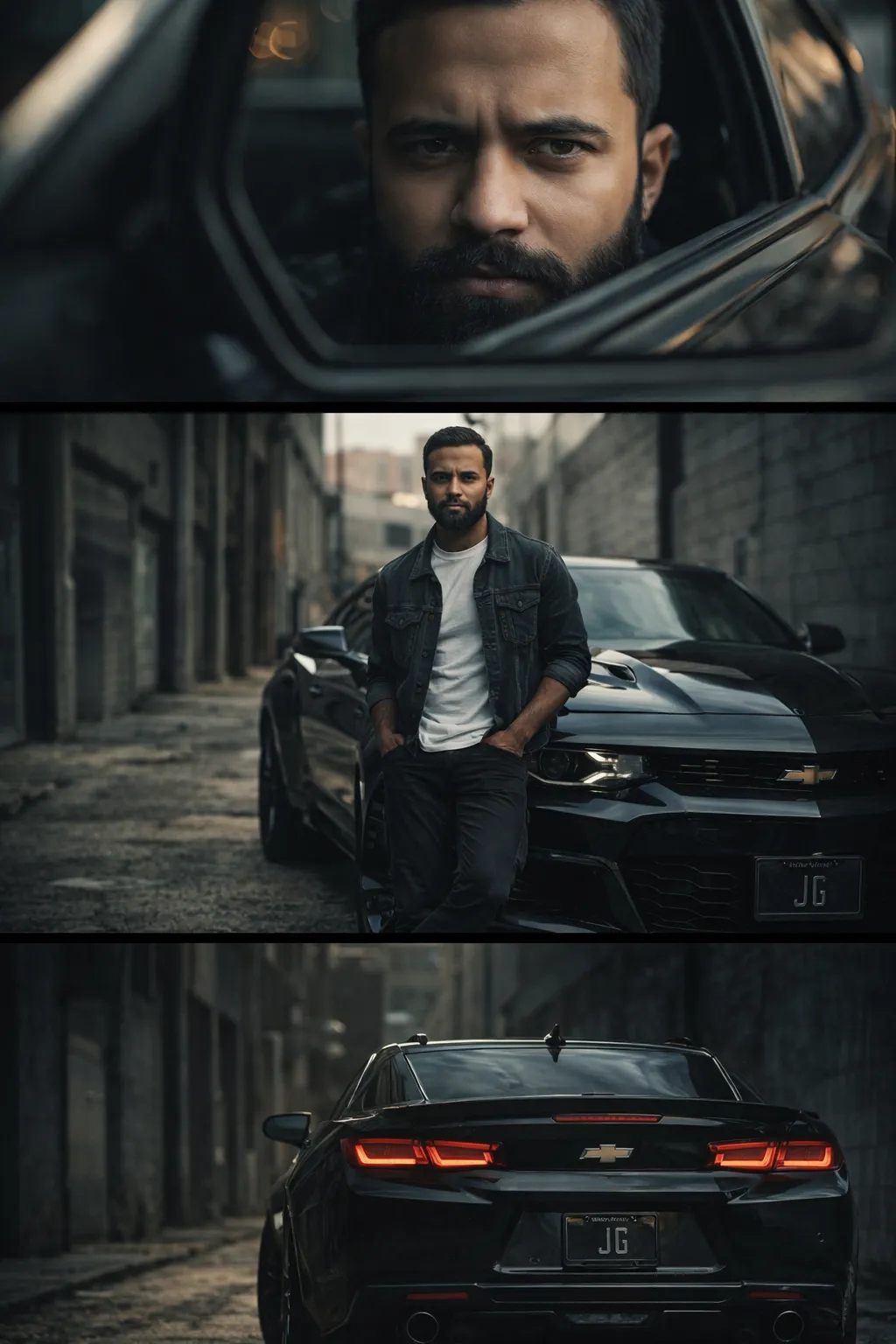
This AI prompt creates a detailed, three-panel automotive portrait of a man with a sleek car, designed to generate ultra-realistic, cinematic images perfect for automotive editorial showcases.
Deconstructing the Prompt (Why this works): To maximize photorealism, this prompt employs render-engine keywords commonly used in 3D modeling ("Octane render," "Unreal Engine 5," "8K ultra-high resolution"). It also dictates a distinct, logical visual hierarchy: the top frame establishes the subject's identity via a clever side mirror reflection, the middle frame establishes the lifestyle and wardrobe, and the bottom frame grounds the environment. The specific lens parameters ("35mm and 85mm lens combination") give the AI exact instructions on how to handle depth of field and background blur.