Mastering Surreal Art & Psychological Horror in AI
Creating compelling dark fantasy, surrealism, and psychological horror with AI image generators (like Midjourney v6, DALL-E 3, and Stable Diffusion) requires more than just a basic concept. To get high-fidelity, editorial-quality results, you need precise terminology related to lighting, camera angles, and texturing.
In this curated gallery, we break down 11 powerful AI prompts. From towering smoke demons to shattered glass typography and mixed-media illusions, these prompts serve as a masterclass in prompting. Below, you'll find the exact text strings used to generate these images, alongside expert tips on how to customize parameters like "volumetric lighting" or "aspect ratios" to perfectly suit your creative vision.
11 Customizable Prompts1. Black Smoke Demon Portrait | Photorealistic Dark Fantasy
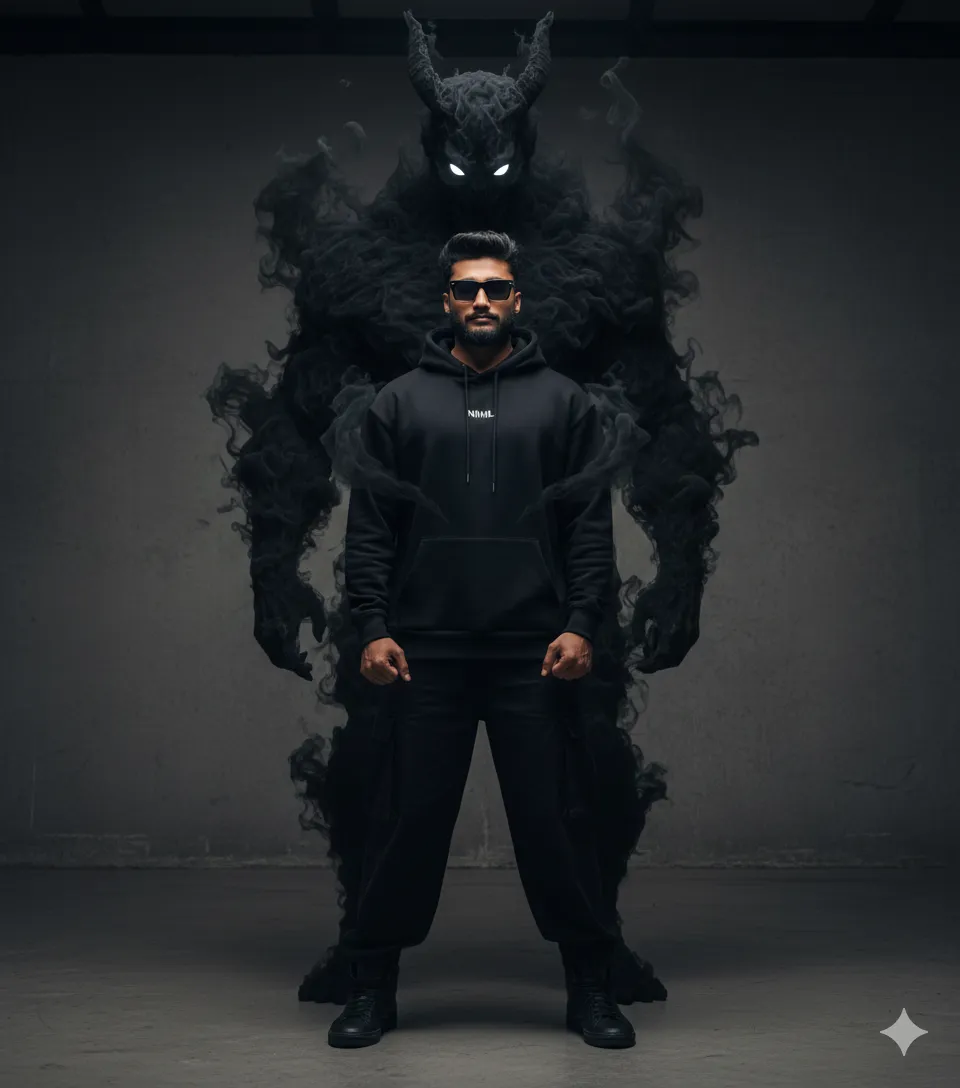
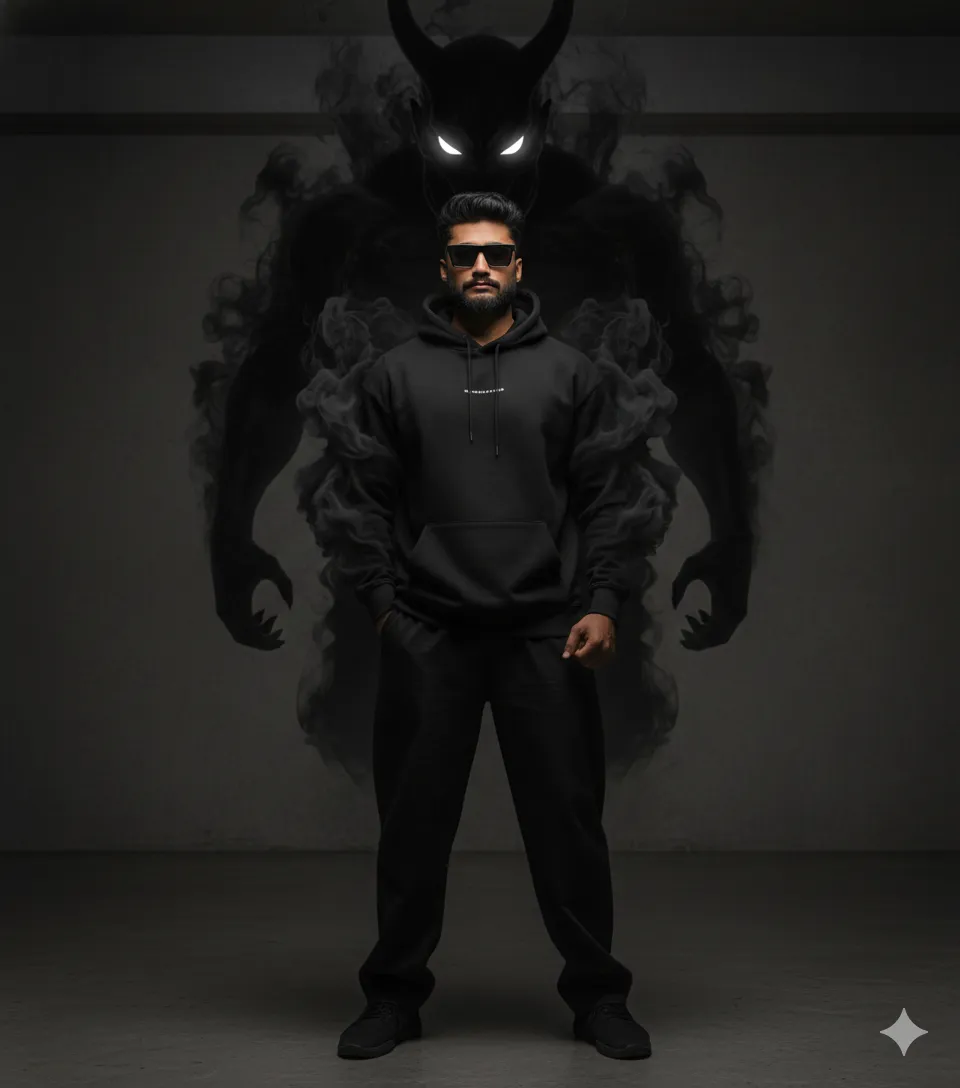
Why this works & How to customize:
The phrase "low-key lighting" combined with "shot on 35mm lens" forces the AI to avoid cartoonish rendering and focus on realistic photography. To customize: Try changing "black oversized hoodie" to "distressed cyberpunk trench coat," or change the demon's eye color from "glowing white" to "piercing crimson" for a more aggressive aesthetic.
2. Red Smoke Demon | Cinematic Editorial Photography
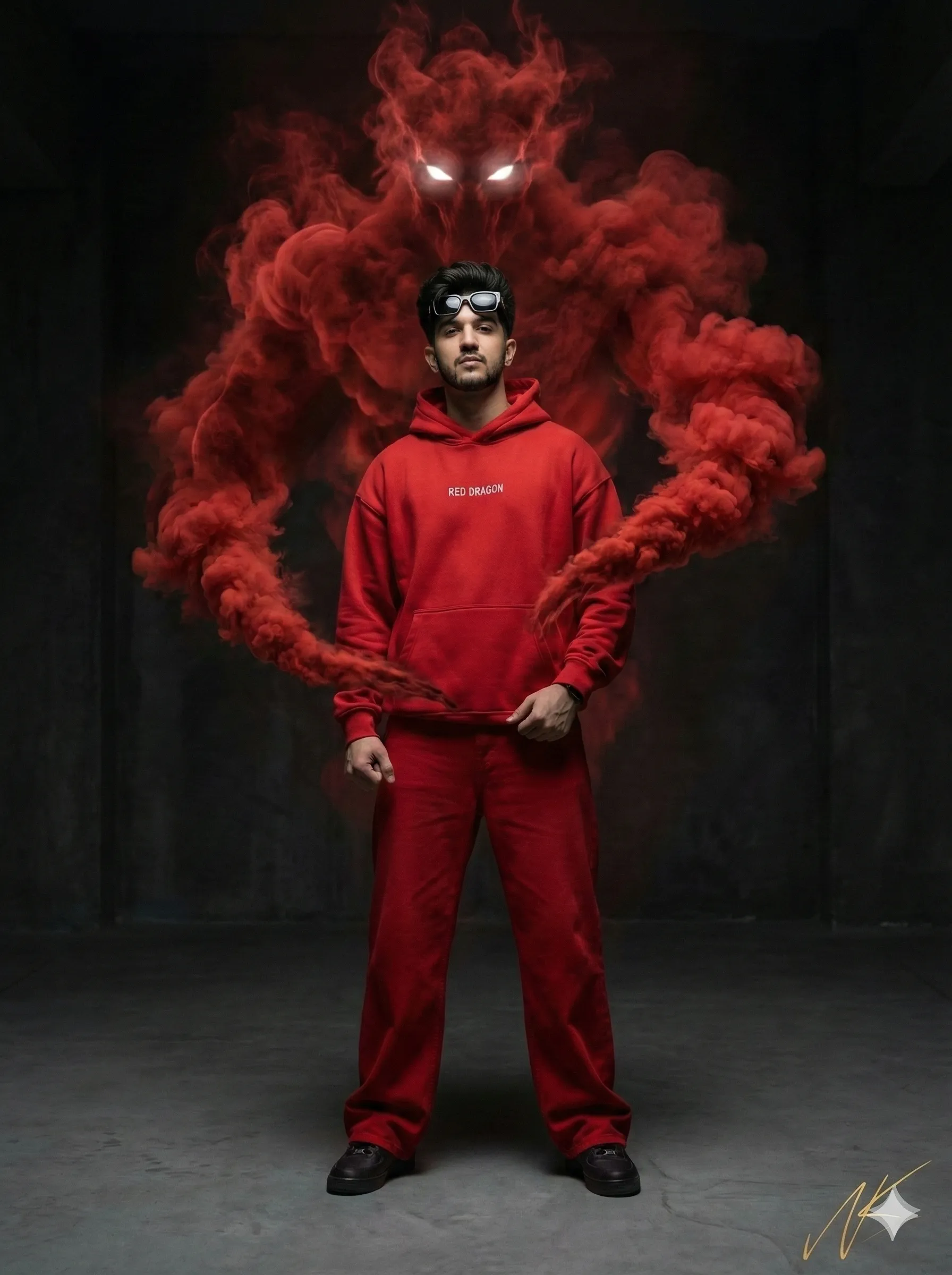
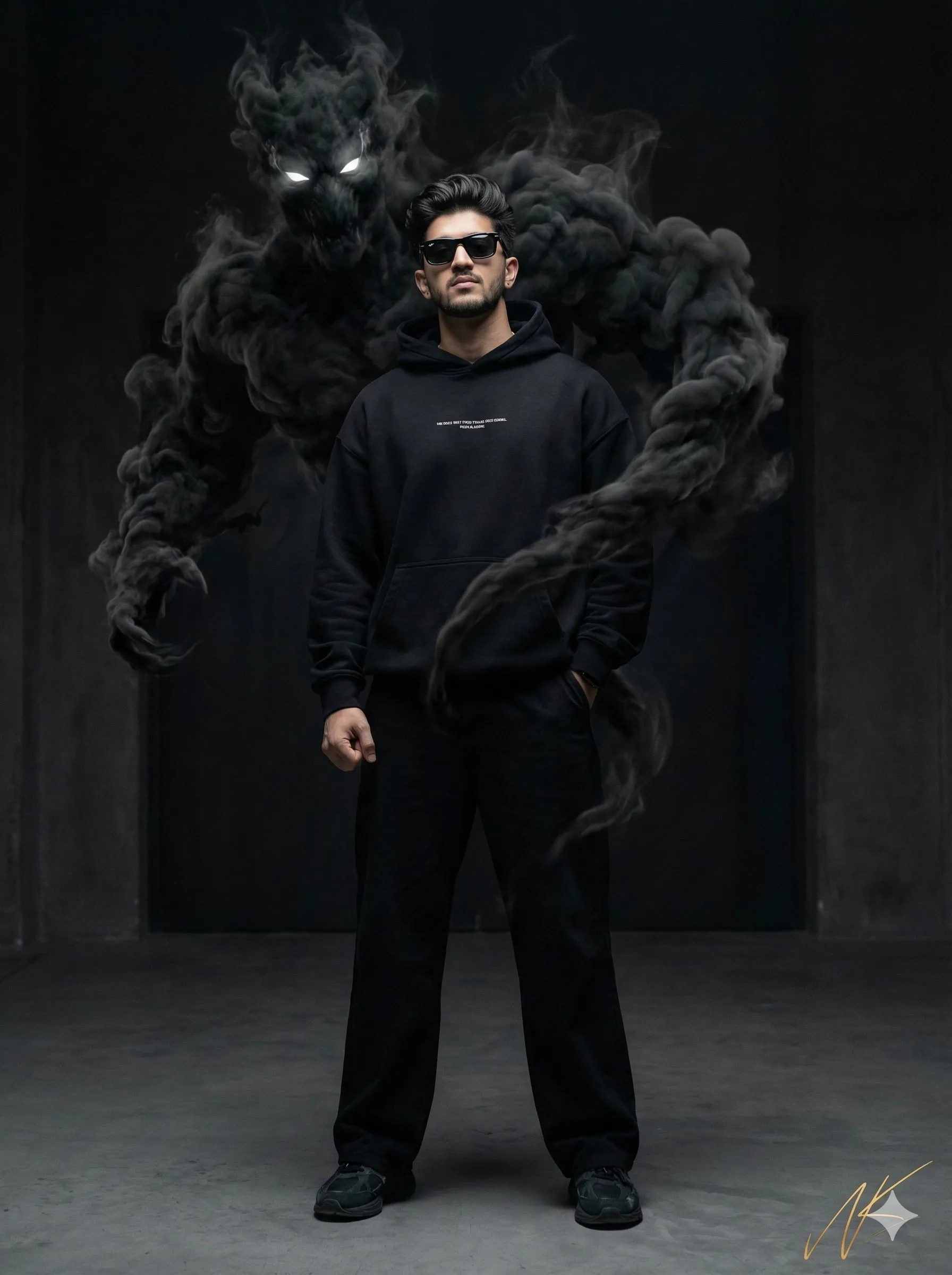
Why this works & How to customize:
The term "volumetric smoke" is a 3D rendering term that tells the AI to treat the smoke as a physical object interacting with light, rather than a flat overlay. The instruction for a "glossy gold handwritten signature" adds a premium magazine finish. To customize: Adjust the aspect ratio from "9:16" to "16:9" if you want a wide, cinematic movie-poster layout instead of a mobile-friendly portrait.
3. Dual Personality Mirror | Psychological Horror Scene
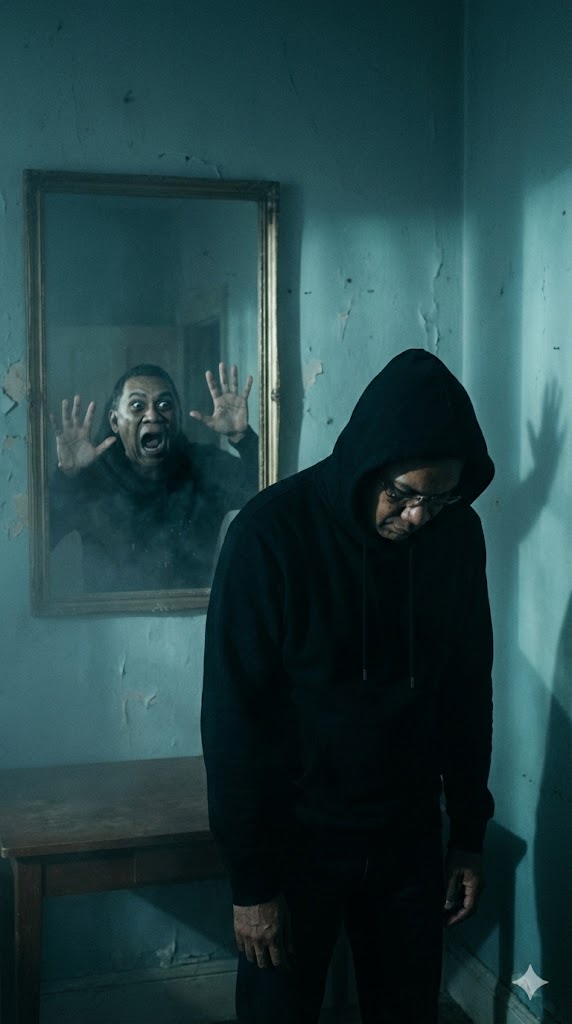
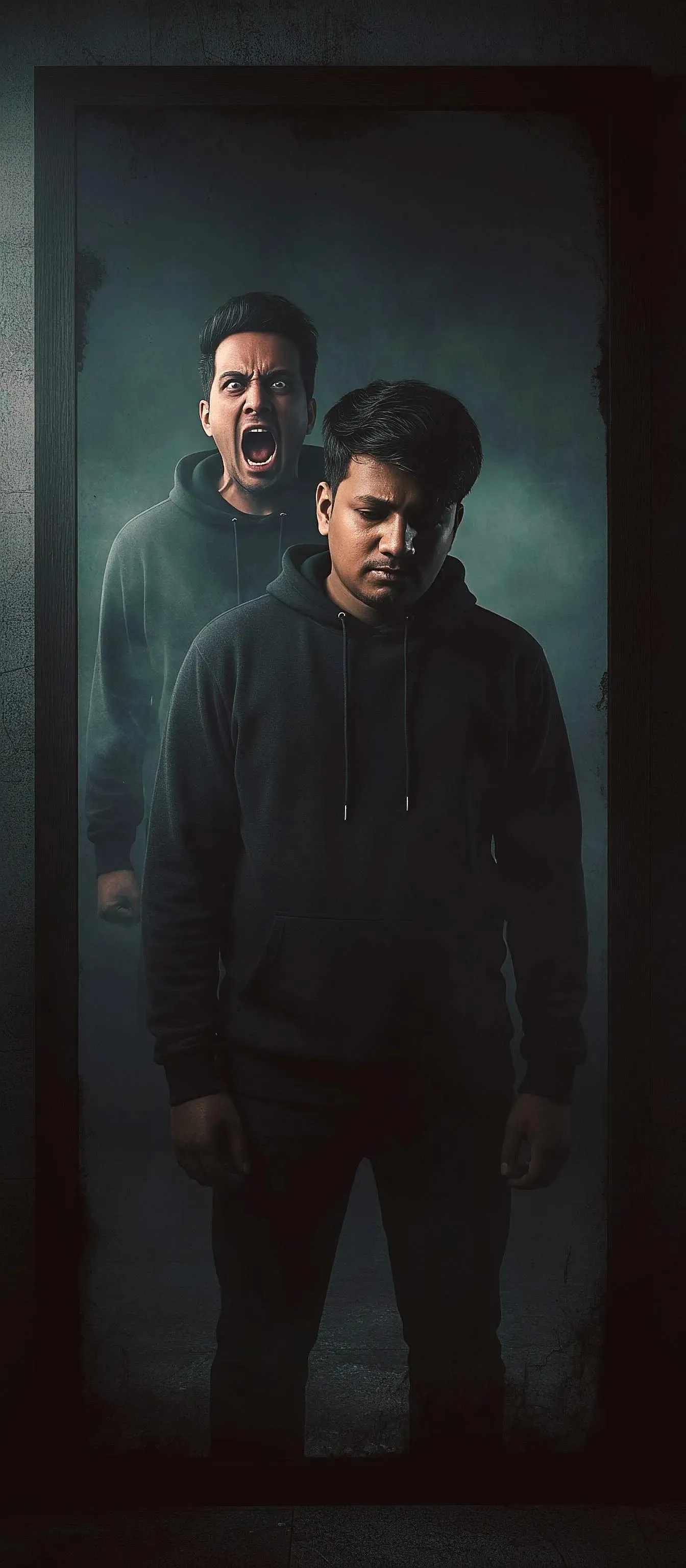
Why this works & How to customize:
"Teal dark tones" and "moody lighting" invoke the classic color grading used in modern horror films (like those by James Wan or A24). To customize: Change the reflection's action. Instead of "screaming and pressing hands on glass," try "smiling sinisterly with glowing eyes while the real subject weeps."
4. Shattered Glass Refraction | High-Fashion Editorial
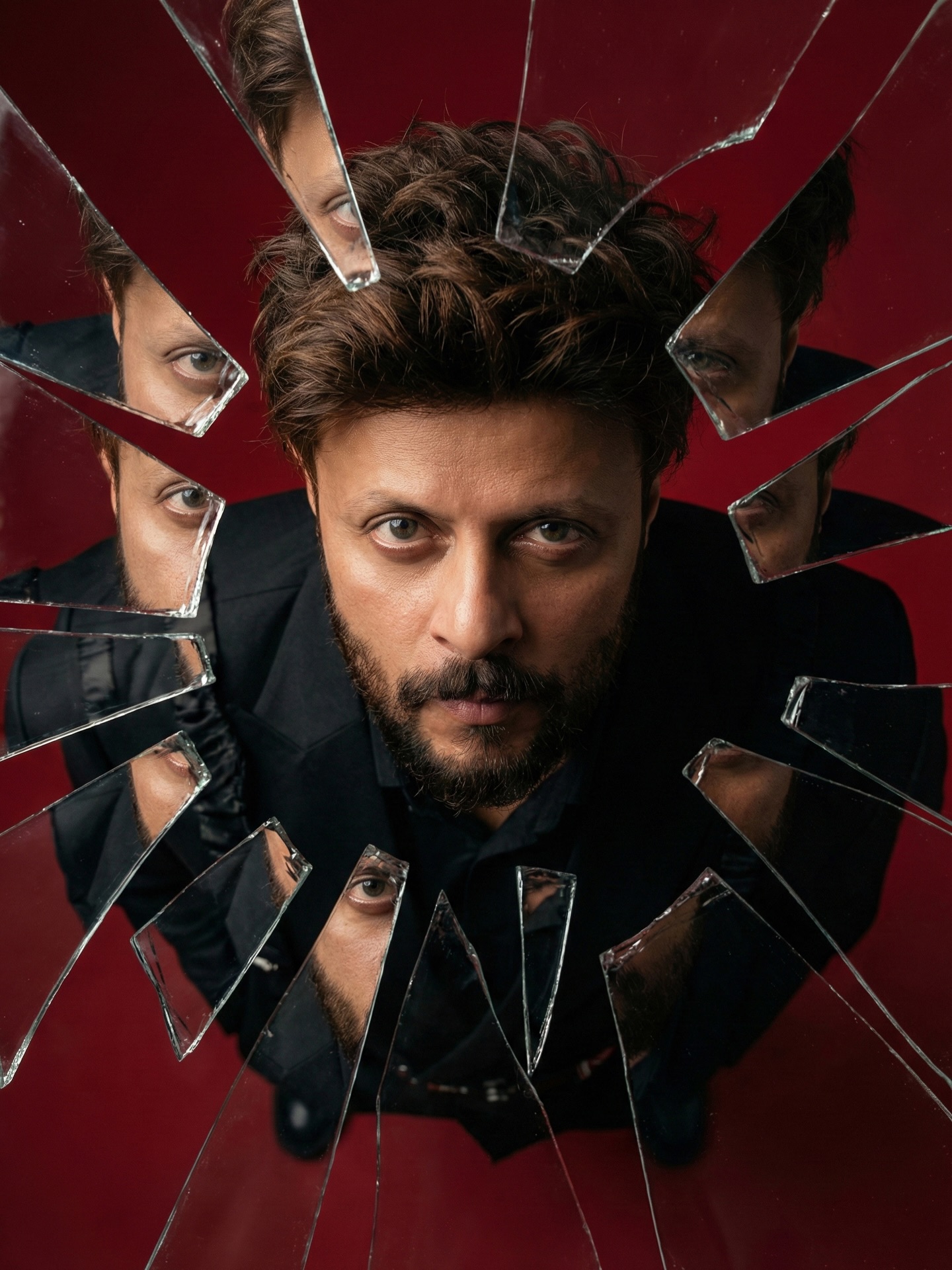
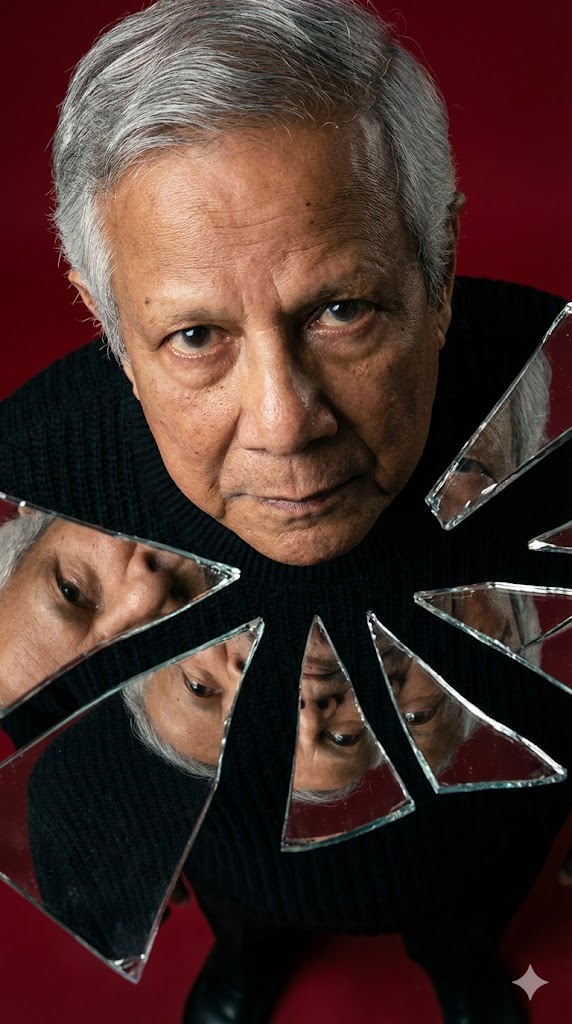
Why this works & How to customize:
Phrases like "realistic refraction," "light bending," and "depth variation" are vital here. Without them, the AI will just paint flat white polygons over the face. To customize: Alter the "clean deep solid red background" to "neon-lit rainy cyberpunk street" to change the environmental reflections captured inside the glass shards.
5. The Micro-Society Face | Conceptual Surreal Art
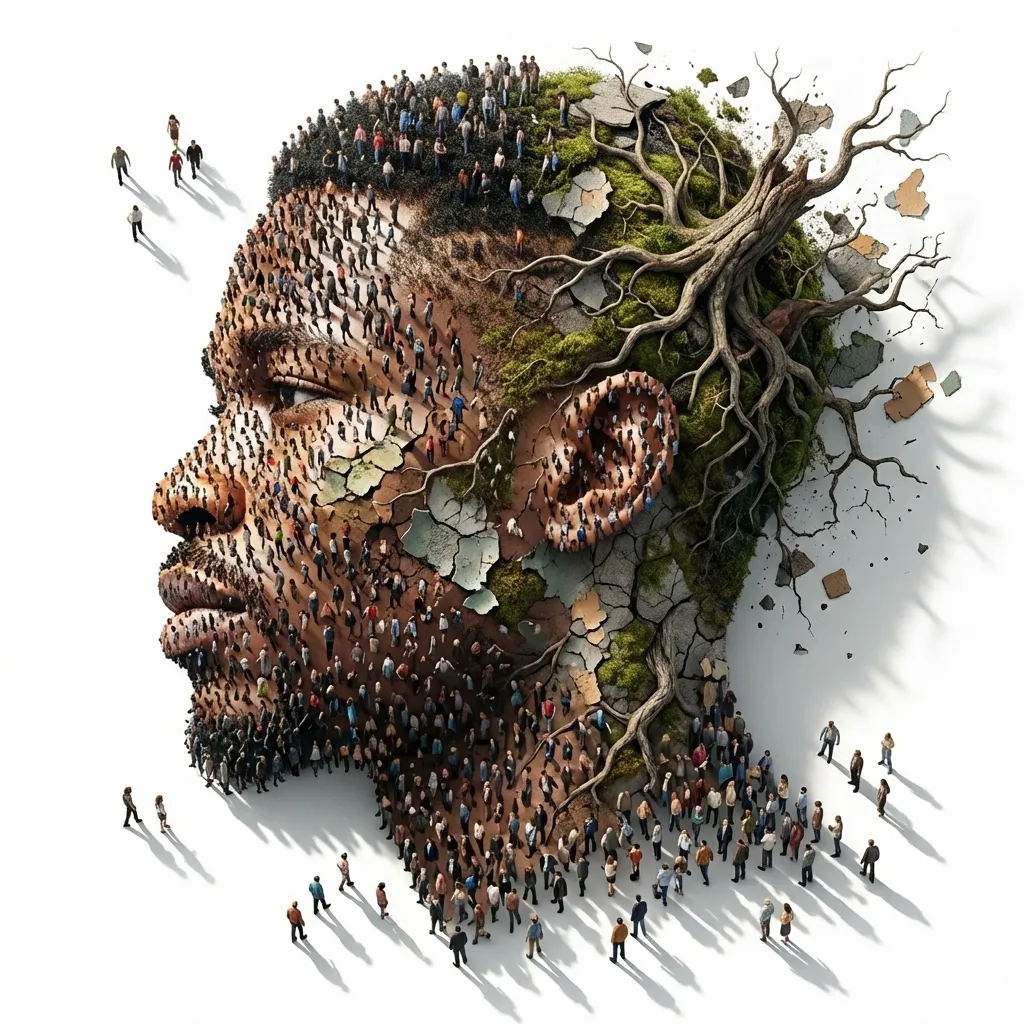
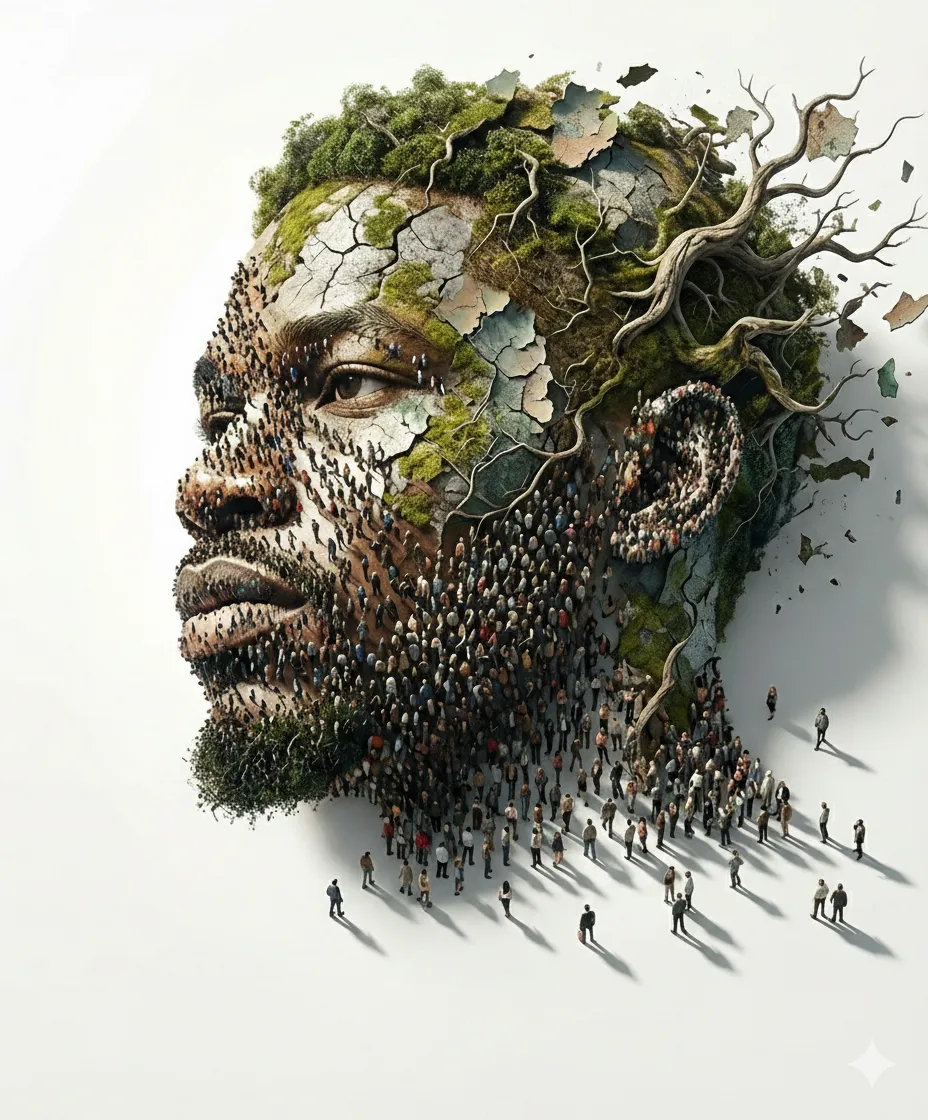
Why this works & How to customize:
"Top-down lighting casting long shadows" gives depth to the tiny figures, making them look 3D rather than like a flat texture map. To customize: Swap out "tiny people walking" with "swarms of glowing fireflies" or "thousands of clockwork gears" to completely change the metaphorical meaning of the portrait.
6. Mixed Media Illusion | Cartoon Monsters in Reality
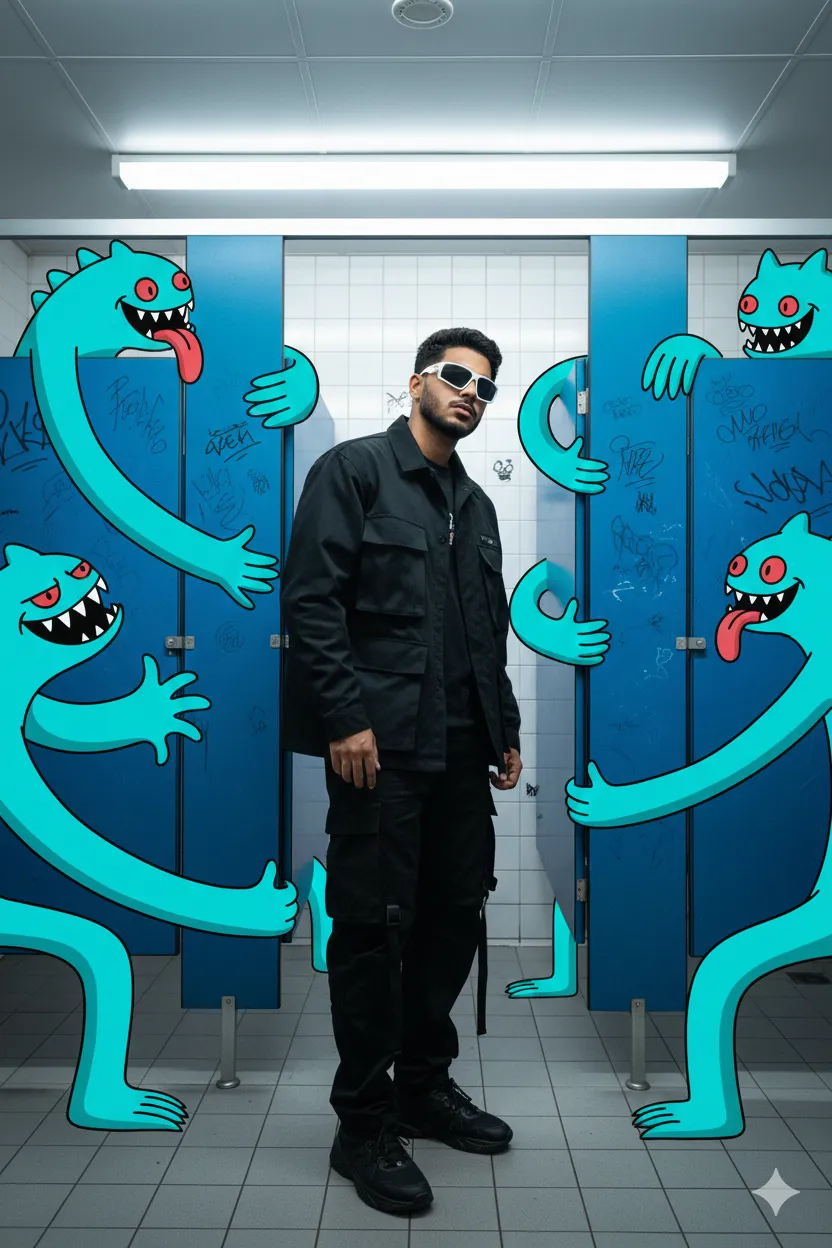
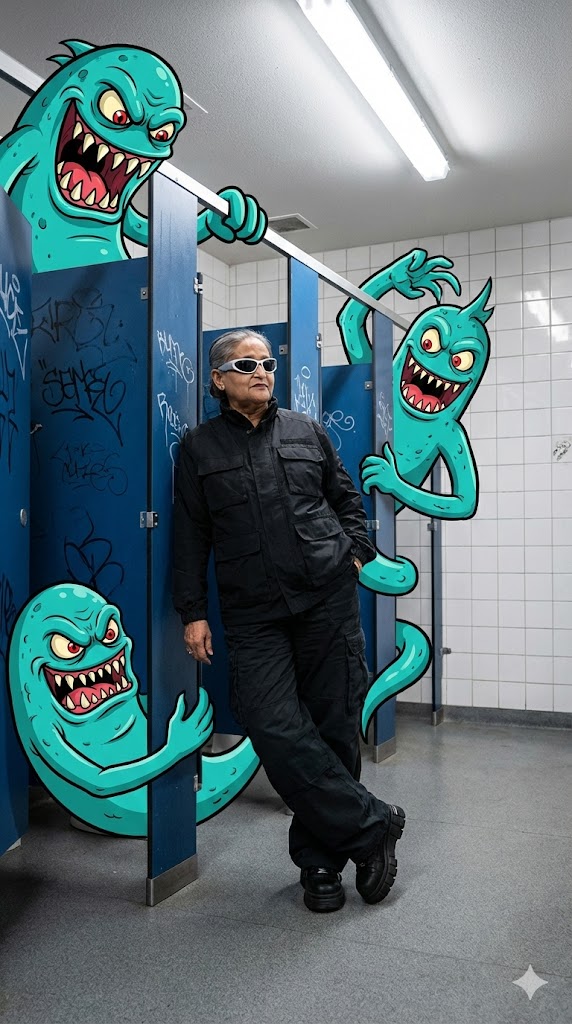
Why this works & How to customize:
Specifying "fluorescent ceiling lights" and "white tiled walls" creates a sterile, harsh environment that allows the vibrant "turquoise-blue" 2D monsters to pop dramatically. To customize: Change the setting to a "dimly lit subway train" and the monsters to "glowing neon-pink 8-bit ghosts" for a retro-gaming streetwear vibe.
7. Sitting on the Clouds | Vintage Sky Portrait
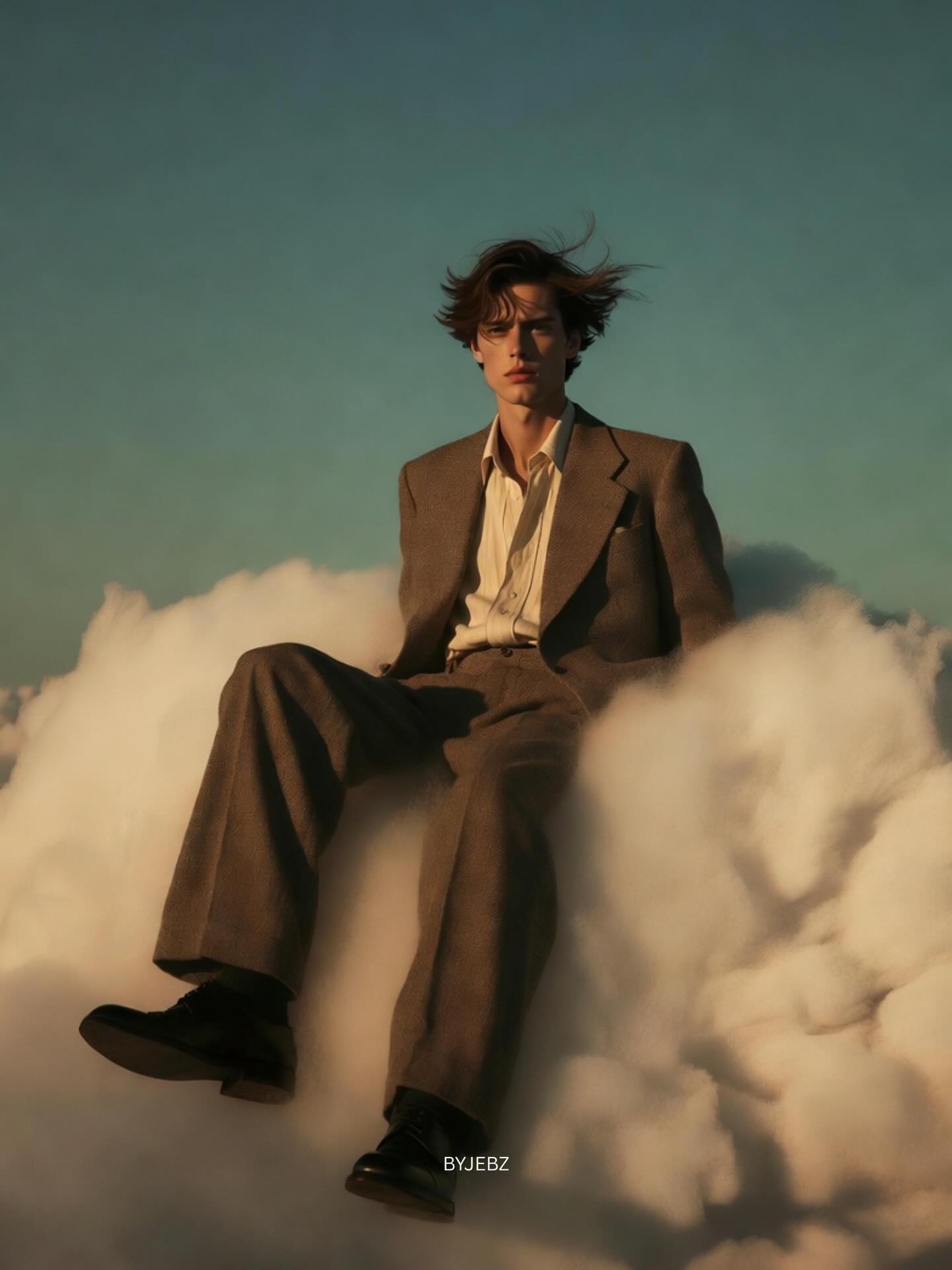
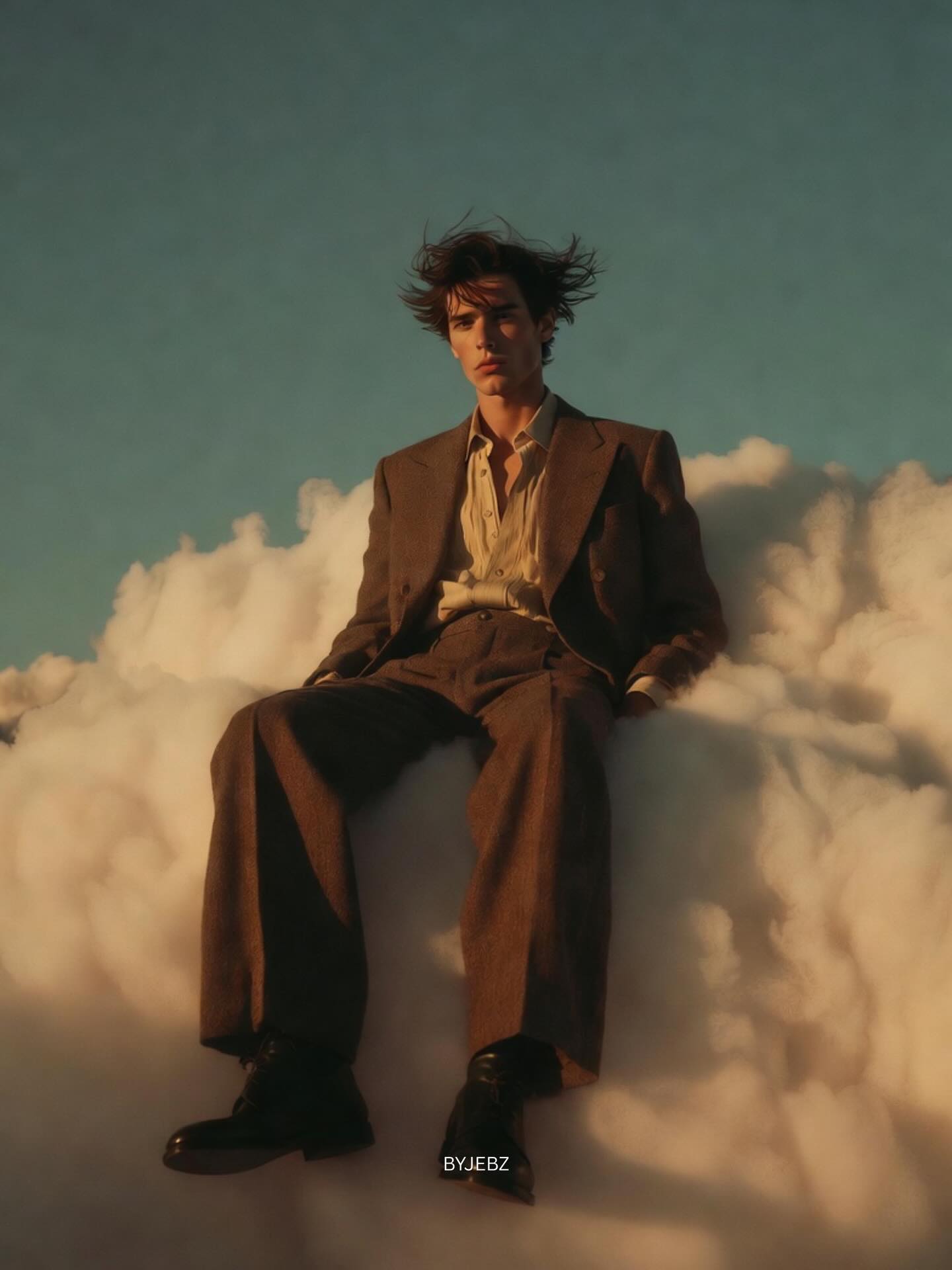
Why this works & How to customize:
Using "golden hour light," "subtle film grain," and "teal-warm color grading" tells the AI to process the image like a vintage analog photograph rather than crisp digital art. To customize: Switch the outfit to a "flowing silver evening gown" and the sky to a "starry midnight galaxy with glowing purple auroras."
8. Balloon Caricature Art Toy | 3D Surrealism
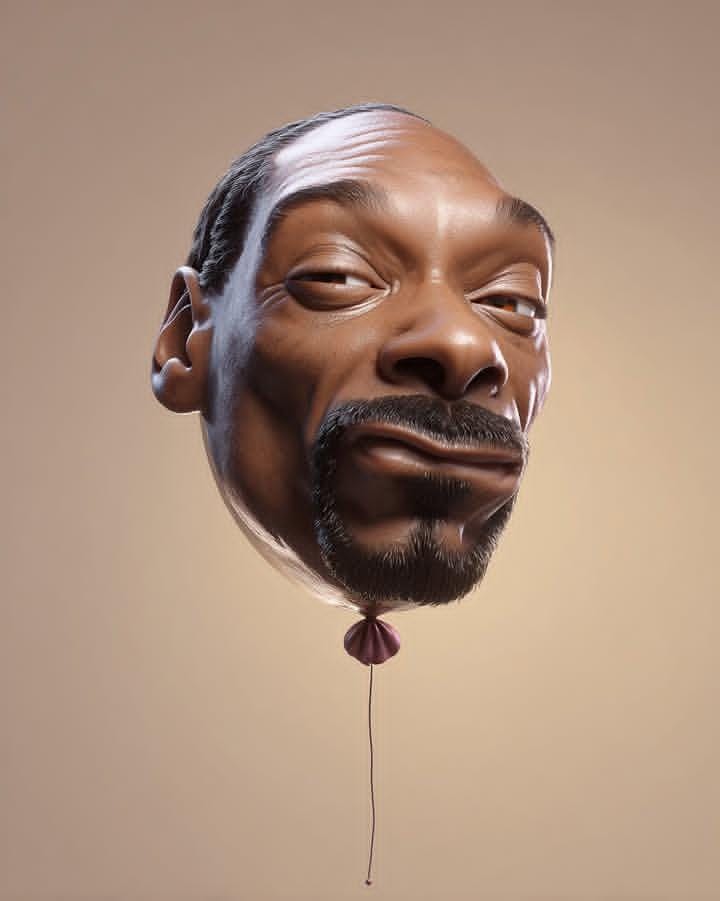

Why this works & How to customize:
Keywords like "Pixar-level detailing," "glossy shine," and "sculptural polish" force the AI to abandon photography and generate a pristine 3D render. To customize: Try changing the material from "skin texture" to "clear transparent vinyl filled with water" or "holographic foil."
9. Shifting Identities | Blur & Motion Portrait
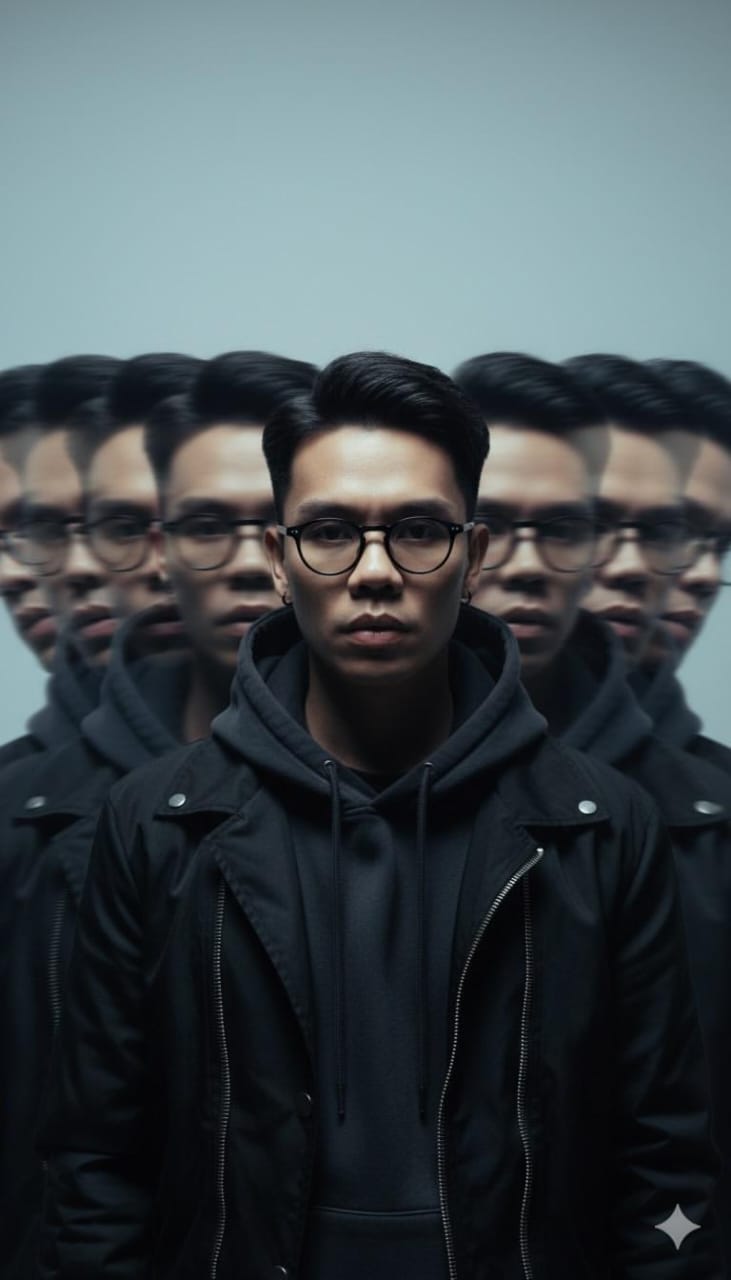
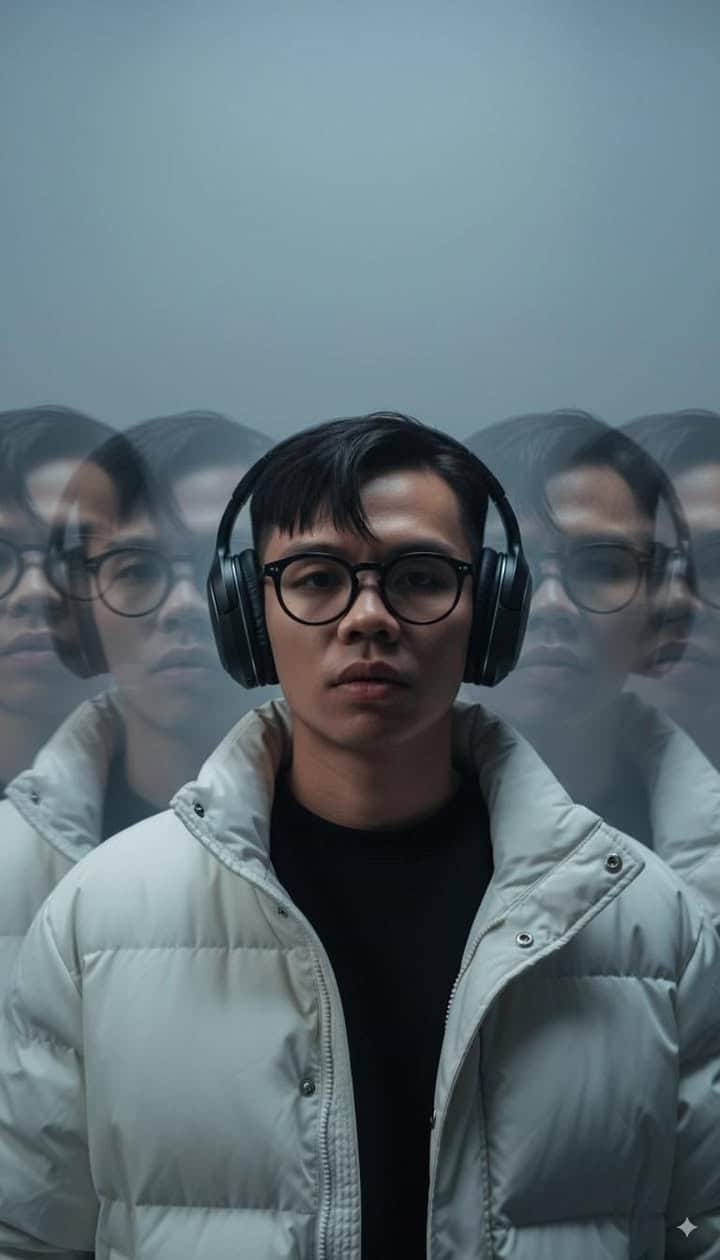
Why this works & How to customize:
Contrasting "main face sharp in the center" with "blurred, semi-transparent copies" is a classic long-exposure photography technique. To customize: Instead of side-to-side blur, ask the AI for a "circular dizzying spin blur" or change the lighting from "moody" to "strobe-light flash photography."
10. Floral Collage | Ethereal Multi-Subject Composition
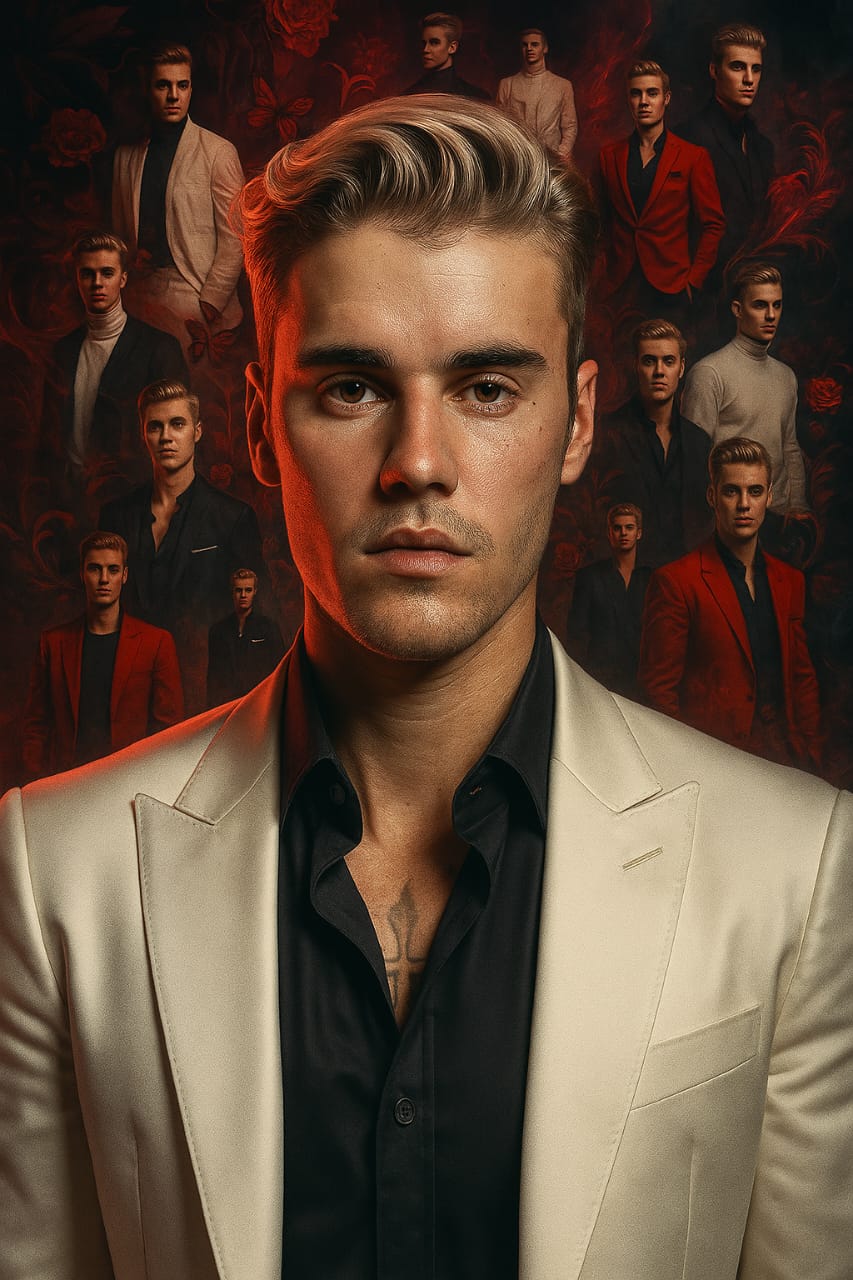

Why this works & How to customize:
Specifying "mirrorless DSLR 85mm style" dictates a professional portrait depth-of-field, ensuring the main face stays in focus while the collage elements frame it softly. To customize: Replace the "red/black floral motifs and butterflies" with "crumpled newspaper clippings, ink splatters, and ravens" for a darker grunge look.
11. Molten Polaroid | 4D Mixed-Reality Illusion
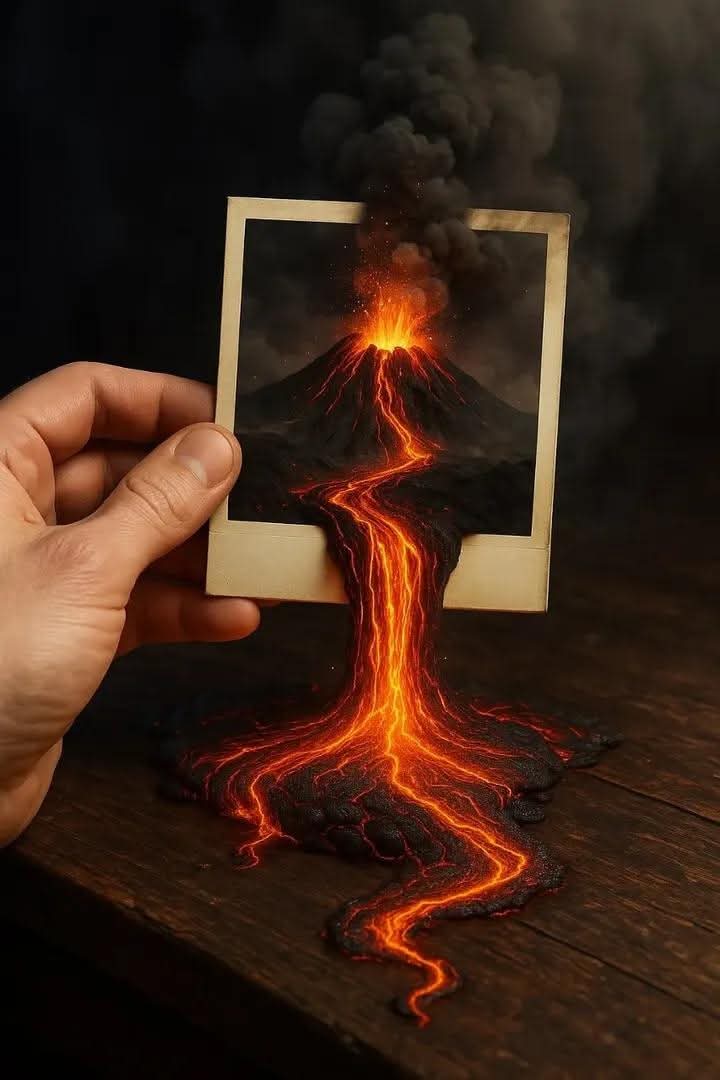

Why this works & How to customize:
The key instruction here is "seamlessly blending with the real world." This forces the AI to match the lighting of the glowing lava with the shadows on the wooden table. To customize: Change the Polaroid subject. Instead of a volcano, try "a Polaroid of a raging ocean storm, with actual sea water and a miniature kraken tentacle spilling out onto the desk."
Start Creating Your Masterpieces
The beauty of AI art lies in experimentation. Take these 11 prompts as your foundation, but don't be afraid to break them apart, combine elements from different examples, and inject your own creative vocabulary. Remember, the more specific you are with your lighting, camera gear, and stylistic keywords, the more control you have over the final output. Happy generating!