The Ultimate Guide to AI Prompts for Couples
Creating compelling, realistic, and highly stylized images of couples using AI requires more than just typing "two people in love." To achieve professional-grade results like romantic portraits, candid motion blur, editorial fashion shoots, and vintage polaroid styles, you need to understand the nuances of camera terminology, lighting directives, and character consistency. Below, we break down 7 masterfully crafted AI prompts and explain exactly why they work.
7 Curated Master PromptsHow to Create a Cinematic Candid Motion Blur Couple Portrait
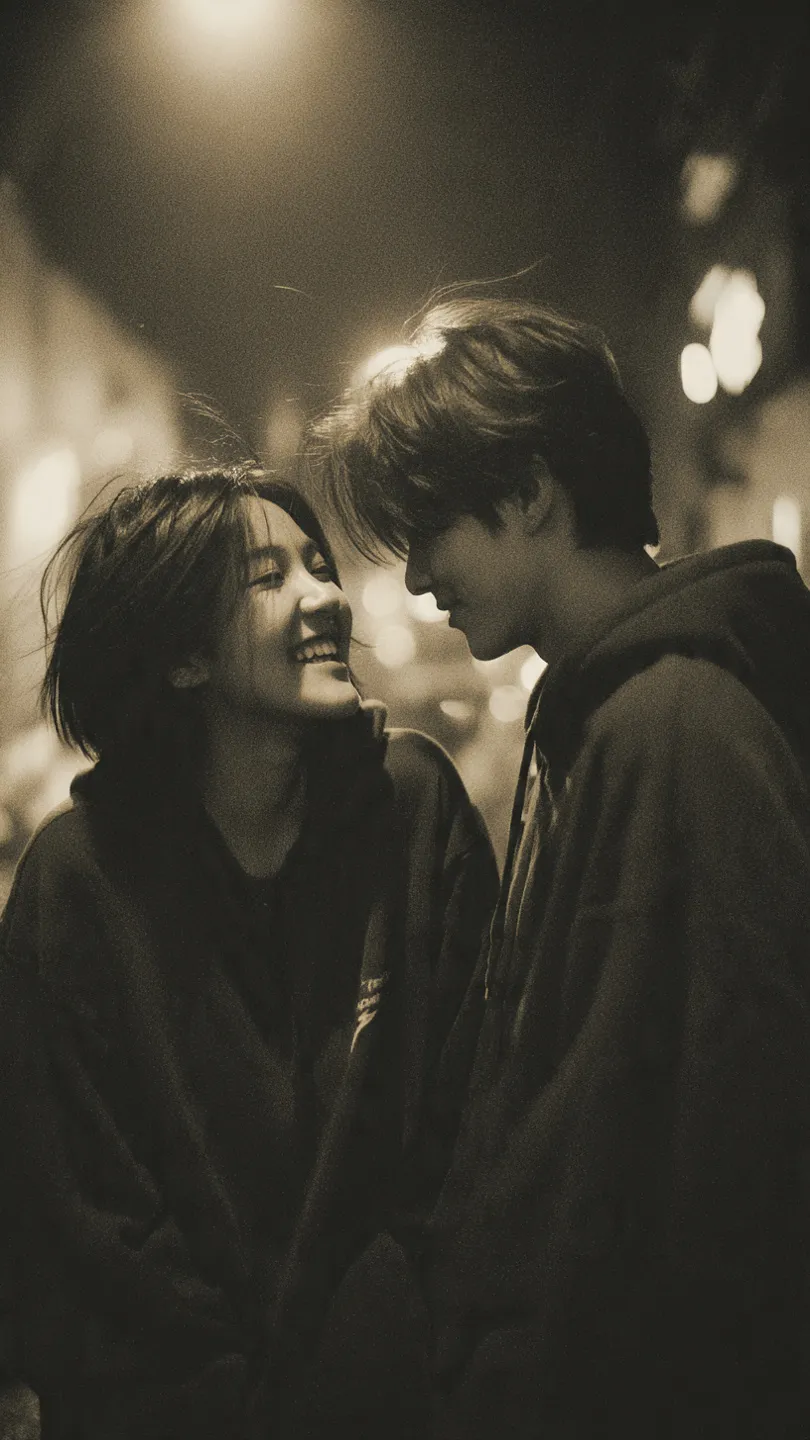
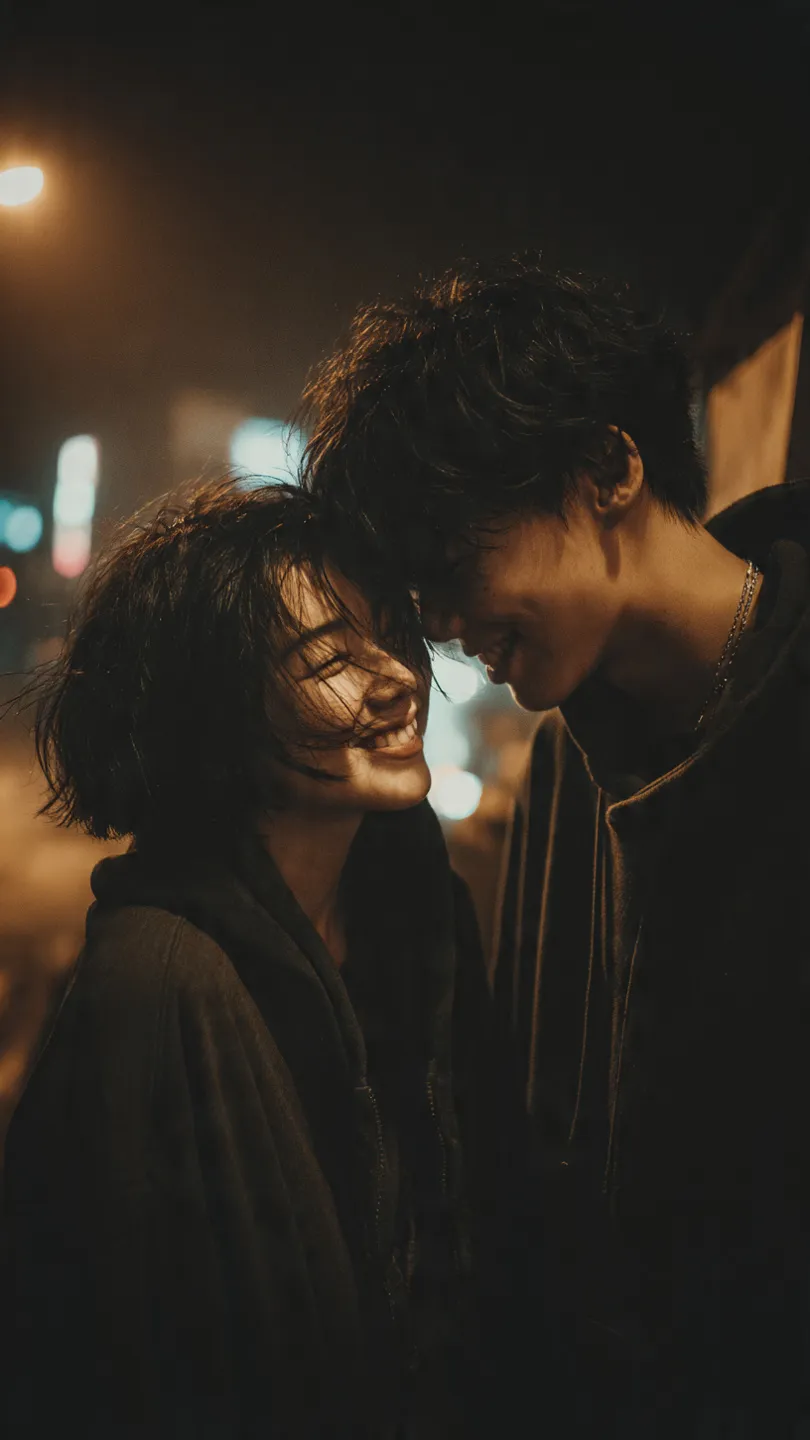
Learn how to generate a deeply emotional, candid cinematic portrait of a couple. This AI prompt produces a nostalgic 35mm analog film aesthetic with strong motion blur, vintage brown monochrome color grading, and intimate, spontaneous street photography vibes.
Why this prompt works: By specifically requesting "strong motion blur" and "imperfect focus," we tell the AI to bypass its default tendency to make everything hyper-sharp. The phrase "35mm film look" paired with "film grain texture" forces the generator to add subtle noise, simulating a physical photograph rather than a digital render.
How to Create a Cinematic Editorial Fashion Couple Portrait
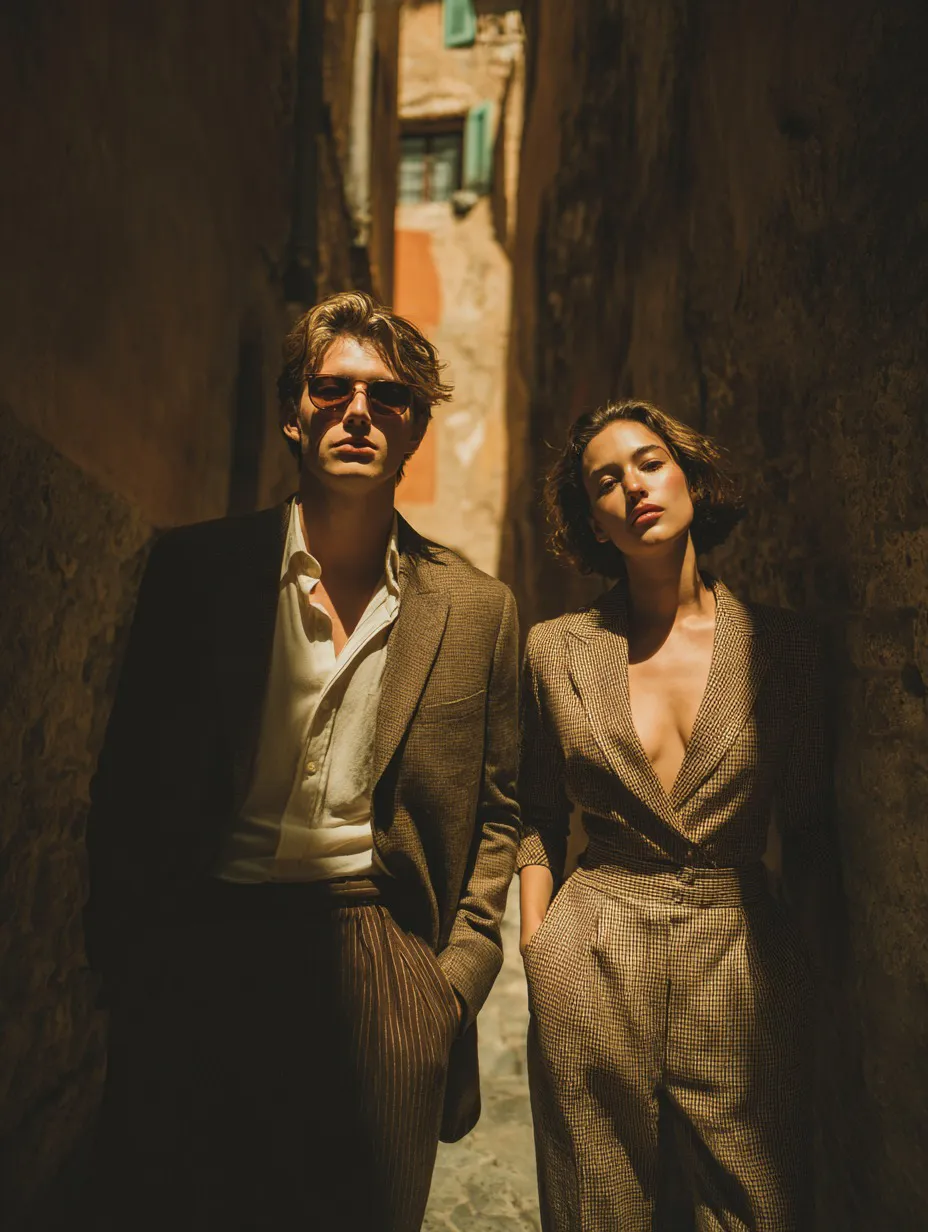
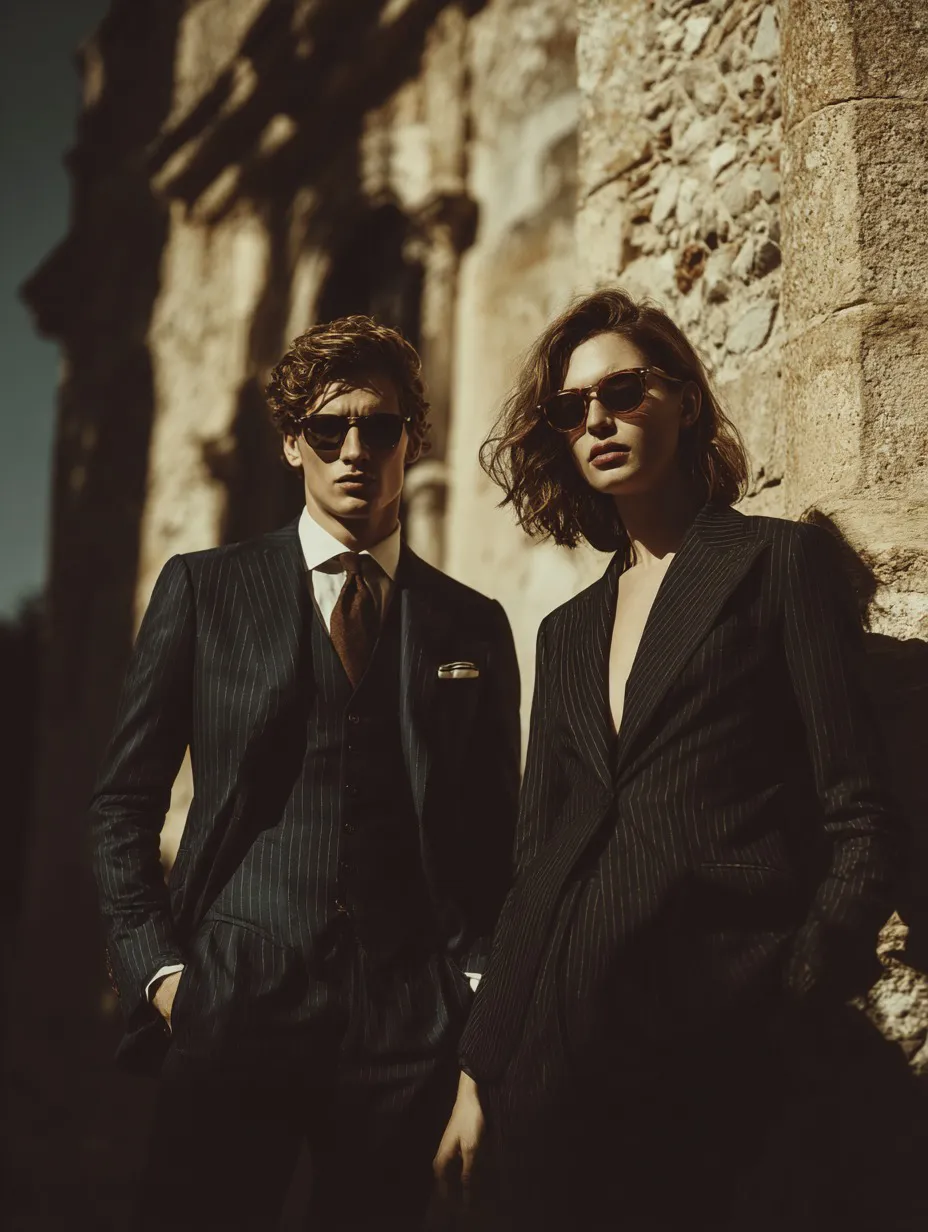
Learn how to generate a high-end, cinematic editorial portrait of a fashionable couple. This AI prompt is perfectly crafted to replicate a luxury fashion campaign, utilizing dramatic golden sunlight, textured stone corridors, and the elegant aesthetic of tailored suits shot through an 85mm portrait lens.
Understanding the Camera Directives: The use of "85mm portrait lens" is crucial here. In real-world photography, an 85mm lens flattens facial features elegantly and creates a beautiful, creamy background blur (bokeh). AI models have learned these photographic principles, so specifying the lens type guarantees a professional fashion-shoot composition.
Polaroid-Style Cute Photo of Two People — AI Prompt
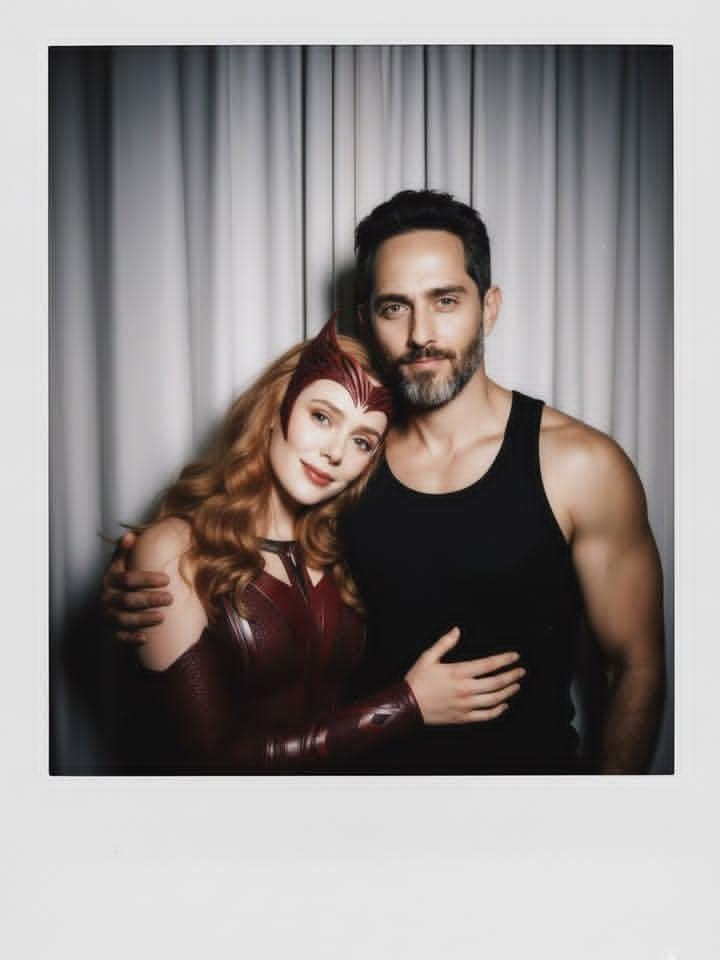
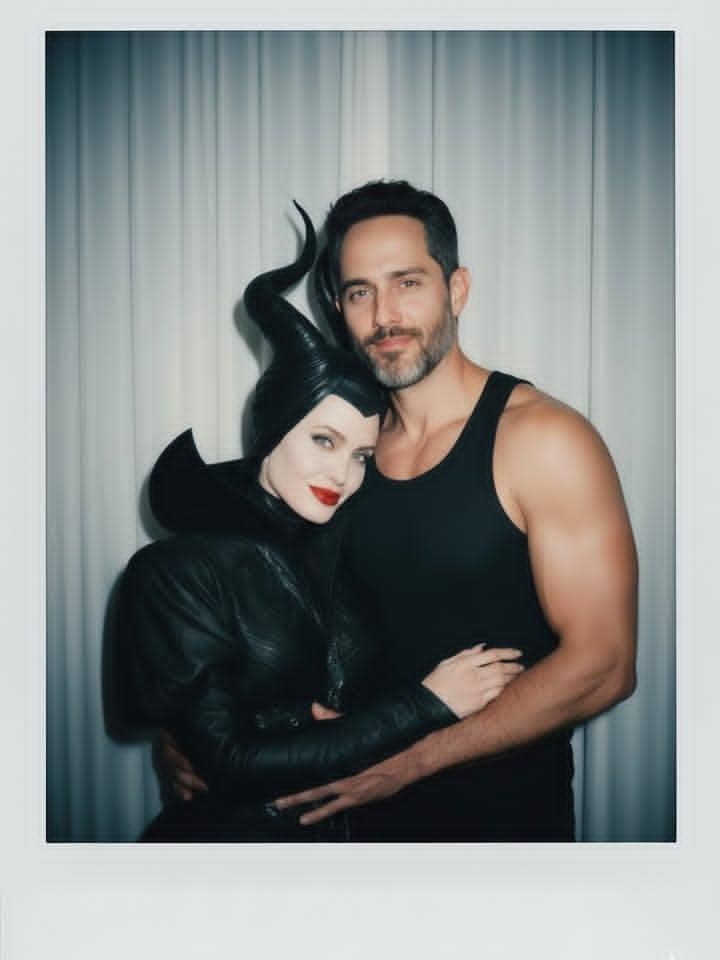
Create a realistic Polaroid-style photo of two people, keeping their faces exactly as in the reference photo. The background is replaced with soft white curtains, while the lighting mimics a direct flash in a dim room with a slight blur. The two subjects pose in cute, playful ways.
Mastering the Retro Look: The secret to this prompt lies in the phrase "consistent light source, like a flash from a dark room." Unlike studio lighting, a direct camera flash flattens the image slightly and creates harsh shadows right behind the subjects. This is the exact signature of a 1990s Polaroid camera.
AI Prompt: Couple Elevator Mirror Selfie in Realistic Style
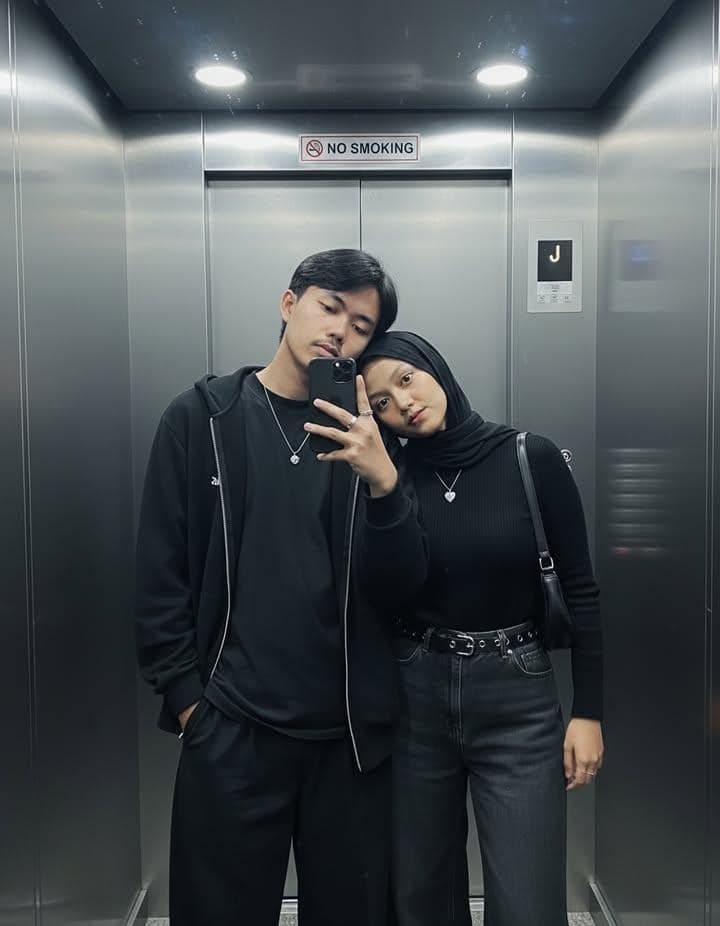
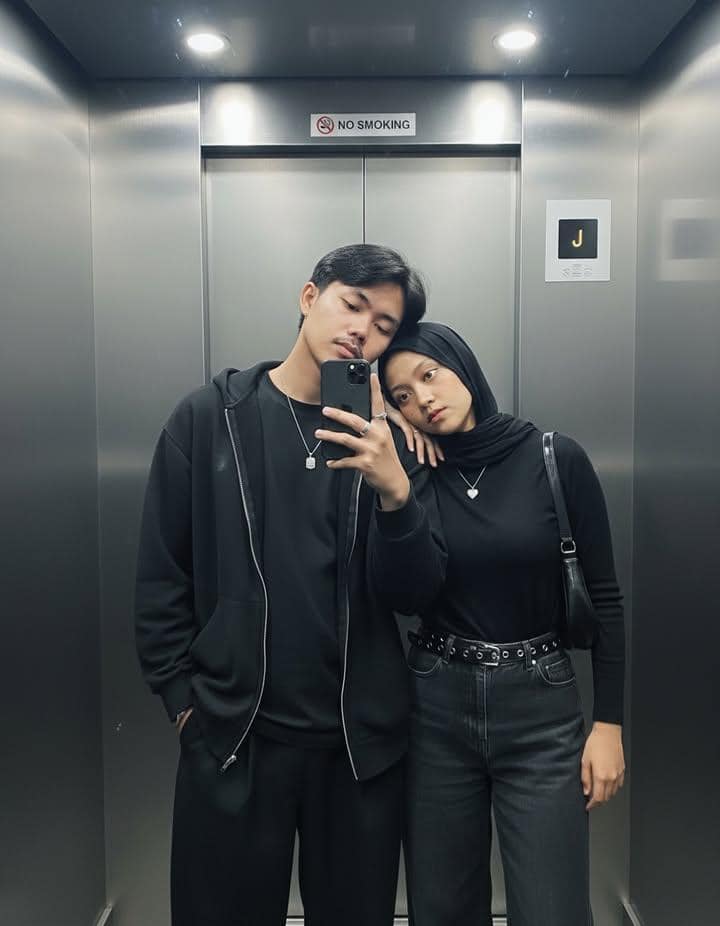
Create a realistic AI-generated mirror selfie of a couple inside a modern elevator. This highly specific prompt details everything from the oversized black hoodie and wide-leg trousers to the silver rings and hijab styling. The cool-toned elevator lighting and stainless steel walls make this look like a natural, stylish, everyday photo.
The Power of Granular Detail: When generating two different people in the same frame, AI often blends their features or clothing styles together (a phenomenon known as "concept bleeding"). This prompt successfully avoids that by meticulously defining the wardrobe and accessories for each person separately. By spelling out "plain black t-shirt" for the man and "modest neckline" for the woman, the AI compartmentalizes the rendering process.
Romantic Hyper-Realistic AI Portrait: Couple Embracing in Studio
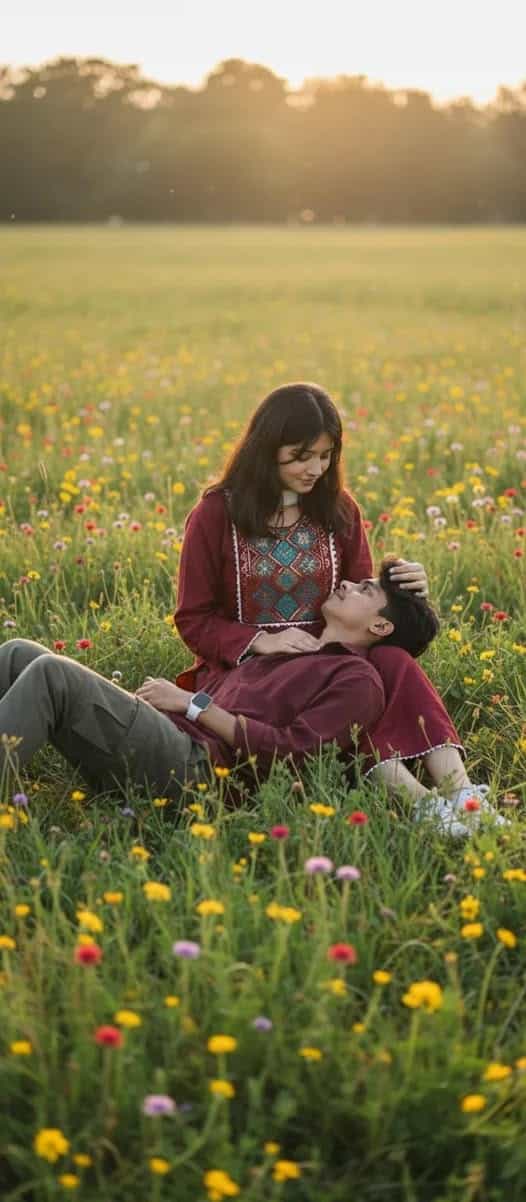
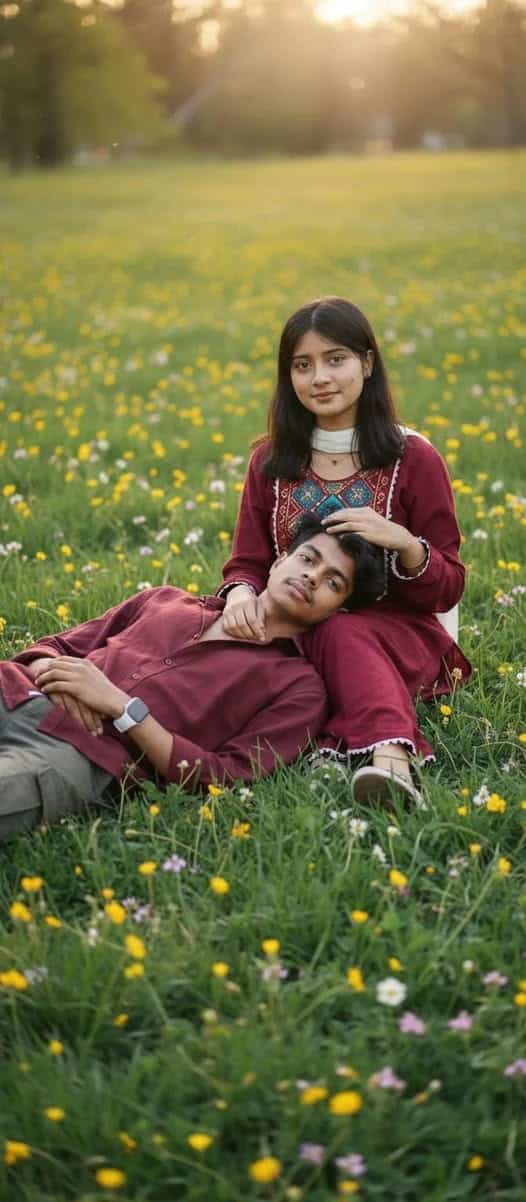
Create a hyper-realistic AI image of a man holding a woman in his arms while kissing her. Shot in a professional studio with a plain white background, the lighting is cinematic with soft shadows and subtle backlight. Perfect for creating realistic couple portraits or high-quality editorial-style images.
Lighting as the Main Subject: The reason this image looks like a million-dollar ad campaign is the phrase "soft key light with subtle shadows and a gentle backlight." A backlight (often called a rim light) separates the subjects' dark hair from the plain white background, giving the image incredible three-dimensional depth. Keywords like "16k" and "ultra-detailed" ensure the AI renders the fine texture of the denim and the individual strands of hair.
2010s iPhone Selfie Prompt – Candid Style AI Image
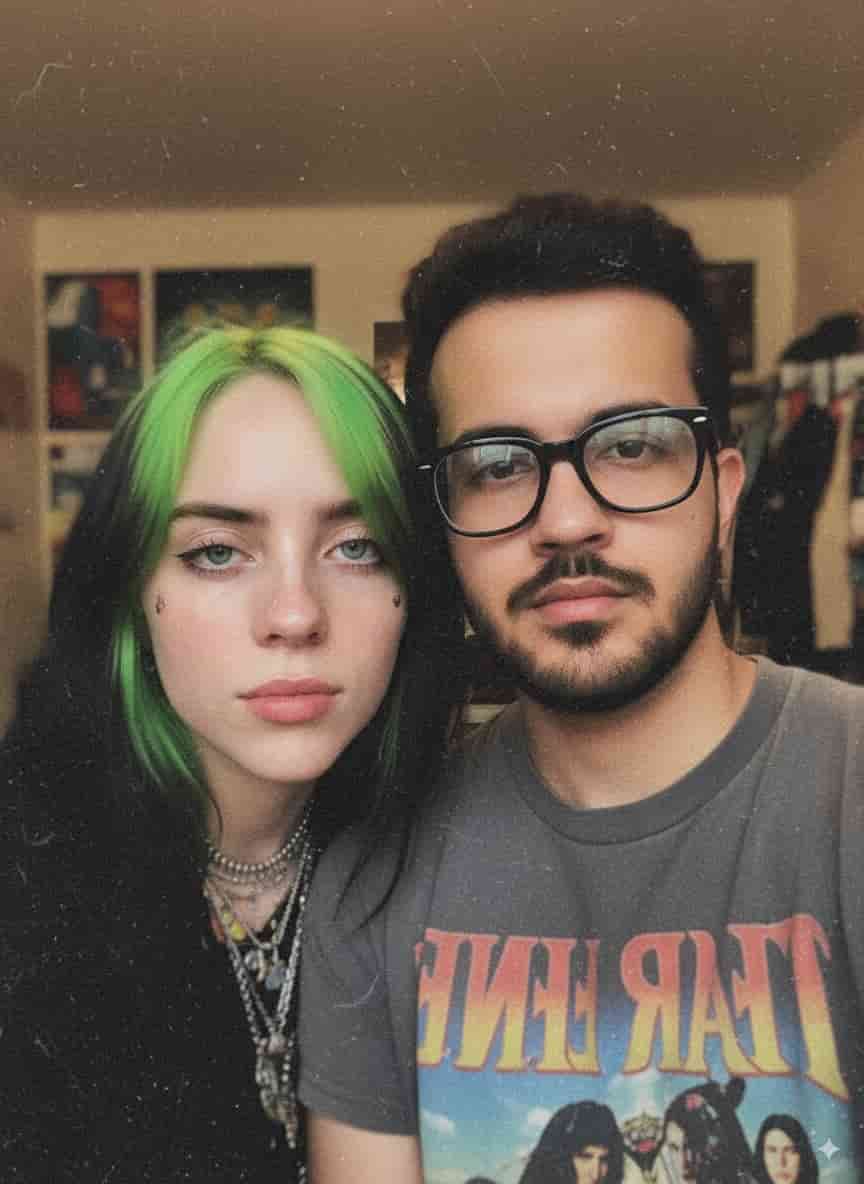

Generate realistic AI selfies with this prompt, recreating a 2010s iPhone-style candid photo. Designed to mimic imperfect moments, it includes slight blur, grainy texture, flash photography, soft focus, and optional accessories like eyeliner, jewelry, or face stickers. Perfect for creating nostalgic, lo-fi, and artistic candid portraits in 9:16 aspect ratio.
Embracing Imperfection: AI natively wants to create perfect, symmetrical, well-lit digital art. To get an authentic "selfie" look, you have to force it to make "mistakes." The keywords "unintentional candid shot," "lo-fi background," and "grainy texture" work together to downgrade the artificial perfection of the model, resulting in a highly believable social media-style image.
80's Arrest Snapshot
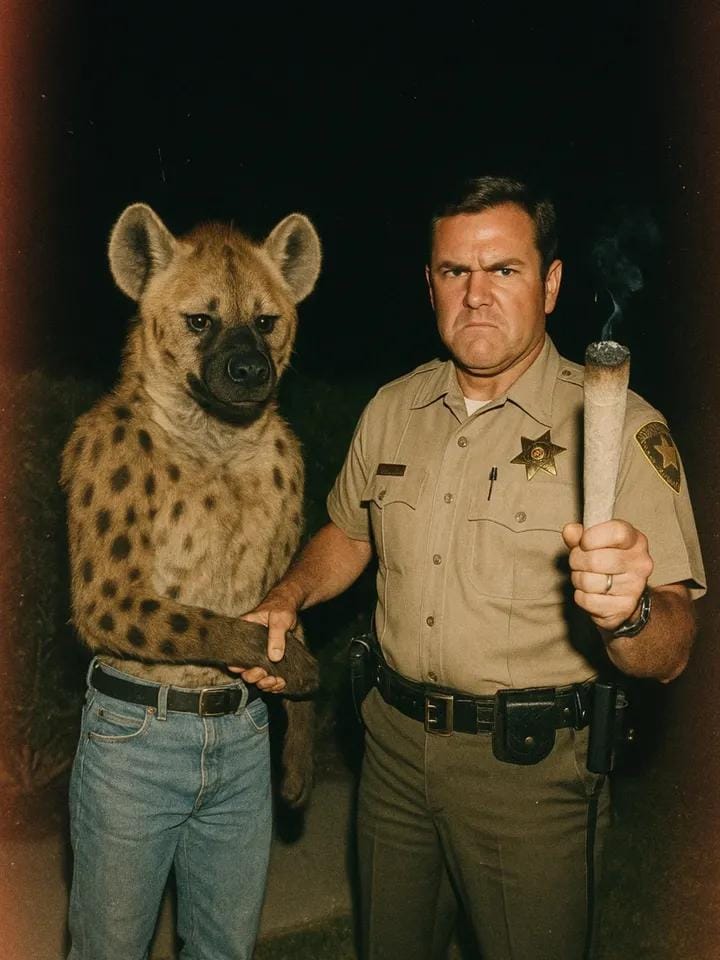

Step back into the 1980s with this incredibly fun, narrative-driven vintage snapshot prompt. This prompt places you and your partner into a dramatic, cinematic scene reminiscent of classic 80s action or true-crime television shows. It utilizes very specific film photography keywords to create an authentic retro vibe.
Deconstructing the Vintage Formula: The aesthetic success of this prompt relies entirely on the combination of "muted faded colors," "light leaks," and "harsh flash." In the 1980s, nighttime snapshot photography almost always resulted in blown-out foregrounds and pitch-black backgrounds. By combining these environmental descriptors with a "candid off-center framing," the AI stops trying to center the subjects perfectly, giving the final image an authentic, caught-in-the-moment feel.
Expert Guide: How to Get Better AI Couple Portraits
Generating accurate images of two specific people in the same frame is notoriously one of the most difficult tasks in generative AI. Whether you are using Midjourney, Stable Diffusion, or Gemini, the engines frequently struggle with "concept bleed"—meaning the hair color, clothing, or facial features of one person will accidentally transfer to the other person.
1. The Secret to Facial Consistency
If you are trying to recreate yourself and your partner using the prompts above, relying on text descriptions alone rarely works. Instead, you must use Image Prompts or character reference features. When using your own photos as a base:
- Upload clear, front-facing photos with neutral lighting as your source images.
- Ensure neither subject is wearing sunglasses, heavy hats, or accessories that obscure the jawline.
- In Midjourney, utilize the
--cref(Character Reference) parameter followed by your image URLs.
2. Controlling the Lighting & Mood
The difference between an image that looks like cheap digital art and one that looks like a Vogue magazine cover is entirely dependent on your lighting keywords. As demonstrated in the prompts above, never just ask for "a photo of a couple." Always dictate the light source. Use terms like volumetric lighting, golden hour, harsh camera flash, studio key light, or cinematic rim lighting to dictate how the shadows fall on the subjects.
3. Iteration and the "Zoom Out" Technique
If your AI generator gives you an image where the couple looks great but their hands or limbs are mangled (a common AI flaw), don't discard the image entirely. If the platform supports it, use the "Vary (Region)" or "Inpaint" tool to select just the problematic hand and ask the AI to regenerate only that specific area. Additionally, if the subjects are cropped too closely, use a "Zoom Out" feature to give the image more breathing room and establish the environment.